A sale only matters when it lowers the real cost of keeping printers, network gear, webcams, and desk devices working. The aim is to help a small team make a durable decision rather than chase a spec sheet or a temporary price badge. We use public evidence and practical ownership questions because office electronics are judged after the box is opened, not on the product grid.
The source set for this revision includes Brother HL-L2400DW official page, Omada ER605 official page, Logitech Brio 505 specifications, APC Back-UPS BX750MI official page. Manufacturer pages are useful for specifications and support promises, but Burgiss Waring also weighs setup ownership, replacement friction, and whether a non-specialist can keep the device useful. For site-level standards, see About Burgiss Waring and our editorial policy.
Quick verdict
Treat every deal as a total-ownership question: accessories, support, consumables, and replacement timing matter more than the discount badge. The best purchase is the one that creates fewer interruptions across the next year. That means the support page, cable plan, consumable path, warranty wording, and daily handover are part of the decision, even when a cheaper device has similar headline specifications.
| Evaluation factor | Why it matters | Weight |
|---|---|---|
| Workflow fit | The device must solve a real office job, not a vague upgrade wish. | High |
| Setup friction | Shared gear fails when only one person knows how it works. | High |
| Support clarity | Public documentation and replacement guidance reduce downtime. | High |
| Ownership cost | Consumables, accessories, batteries, and downtime change the real price. | Medium |
How we read this category
We read electronics deals as delayed-cost decisions. A lower price is useful only when support, consumables, accessories, warranty, and workflow fit still hold up after the checkout page. Product pages and official sources help verify the model, but a deal can still be poor if it needs an extra cable, mount, battery, toner set, or configuration time that the buyer did not include. This page is designed to slow purchase decisions down just enough to separate genuine savings from future support work.
A useful shortlist should slow the buyer down in the right places. Before purchase, write down who owns setup, what failure would interrupt work, where documentation lives, and what accessory or consumable is needed first. If those answers are missing, the shortlist is not ready.
Shortlist notes
Printer deal checks
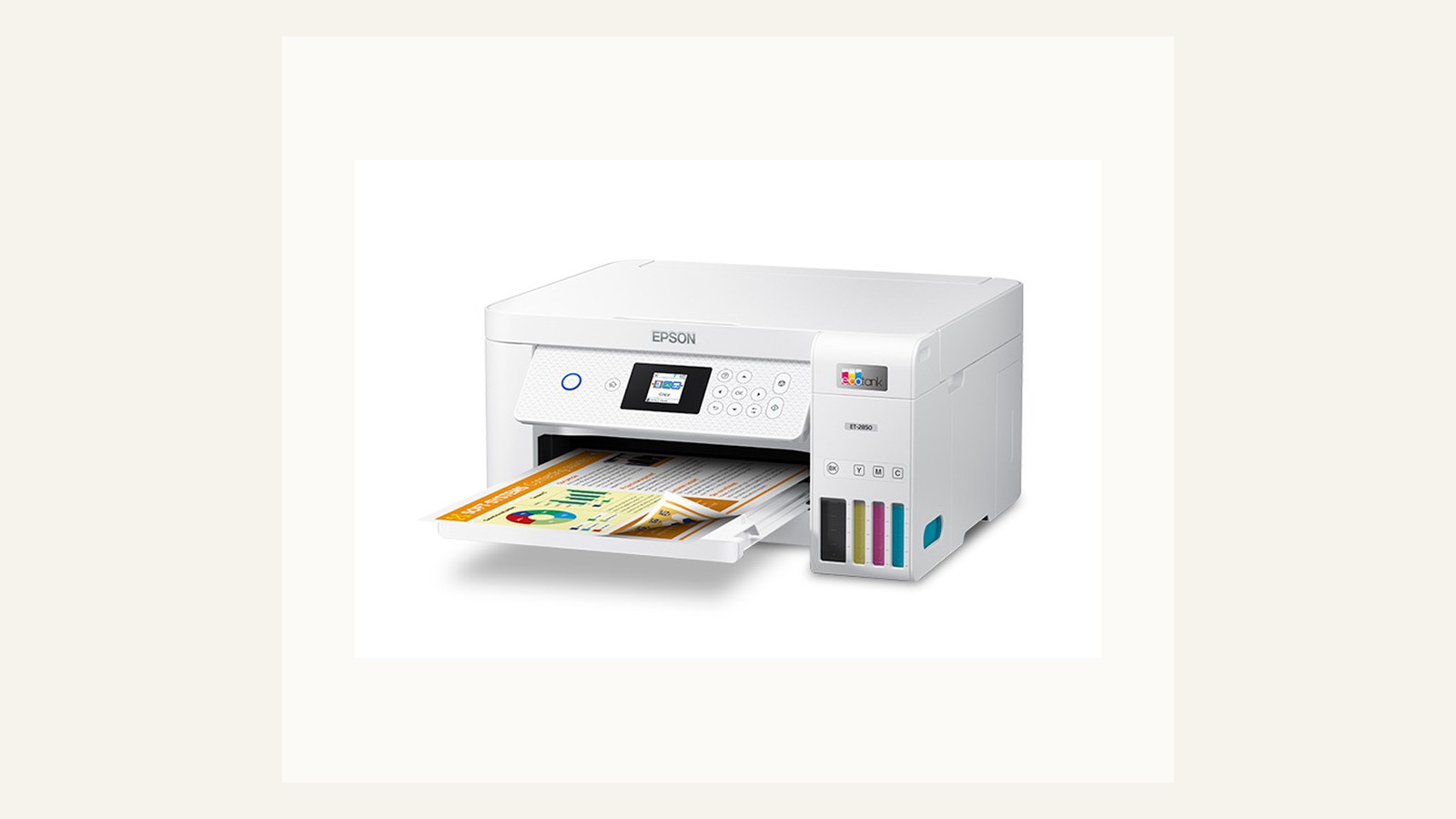
A printer deal is worth acting on only when consumables, duplex handling, driver support, and warranty terms still make sense at the sale price. A discount on a device with hard-to-find ink or unclear support can become expensive quickly. Compare the offer against the office's document mix rather than the biggest percentage badge.
Before buying, save the exact model number and check replacement supplies. Retail pages can group similar models together, so the office should verify the suffix, region, and support page before approving. The deal is not complete until the maintenance path is clear.
Networking deal checks
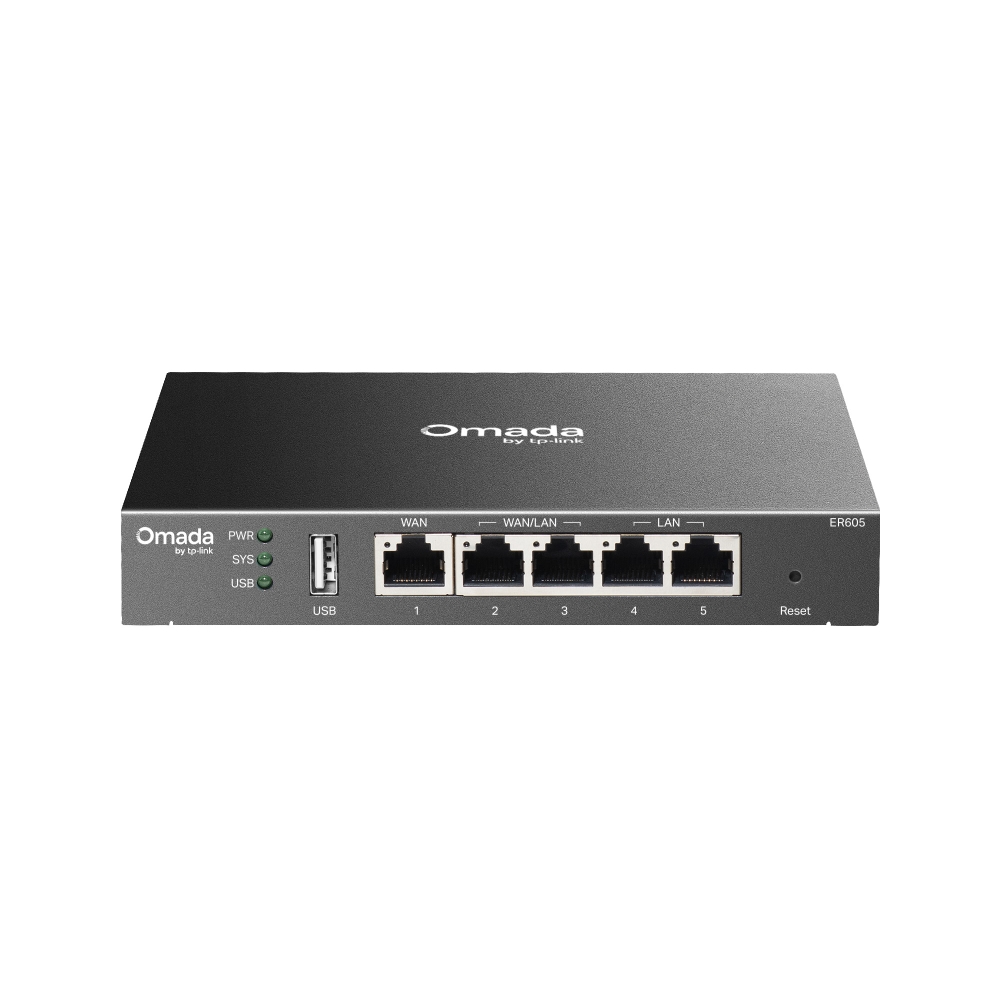
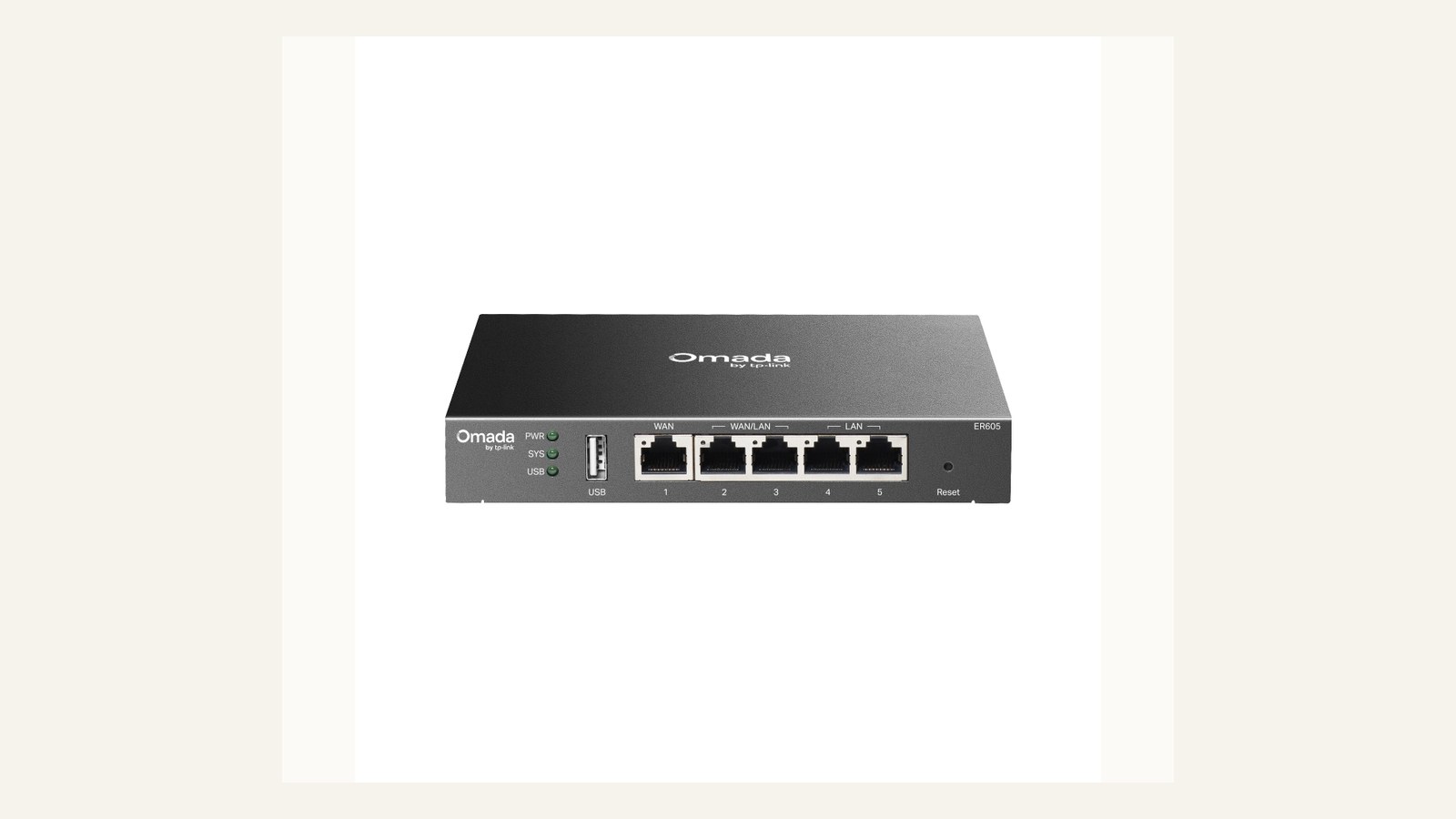
Networking discounts need extra caution because the cost of downtime is larger than the cost of the device. A router or switch should be judged by firmware support, management model, port needs, VLAN or guest-network requirements, and whether somebody can recover it after a bad setting change.
Do not buy networking gear only because it is reduced. If the office does not know who will configure it, the sale should wait. A cheaper unmanaged choice may be fine for a very simple room; a managed device may be necessary when support and segmentation matter.
Webcam deal checks

A webcam deal is attractive when the room problem is well understood. Check field of view, mounting, cable reach, app support, privacy controls, and whether audio is handled separately. A camera that is cheap but sits at the wrong height will still make the room feel amateur.
The best deal test is a short call from the actual desk or meeting room. If the image works only when one person adjusts the laptop every time, the office is buying a ritual, not a fix. Budget for the mount or audio accessory before calling it a saving.
UPS deal checks
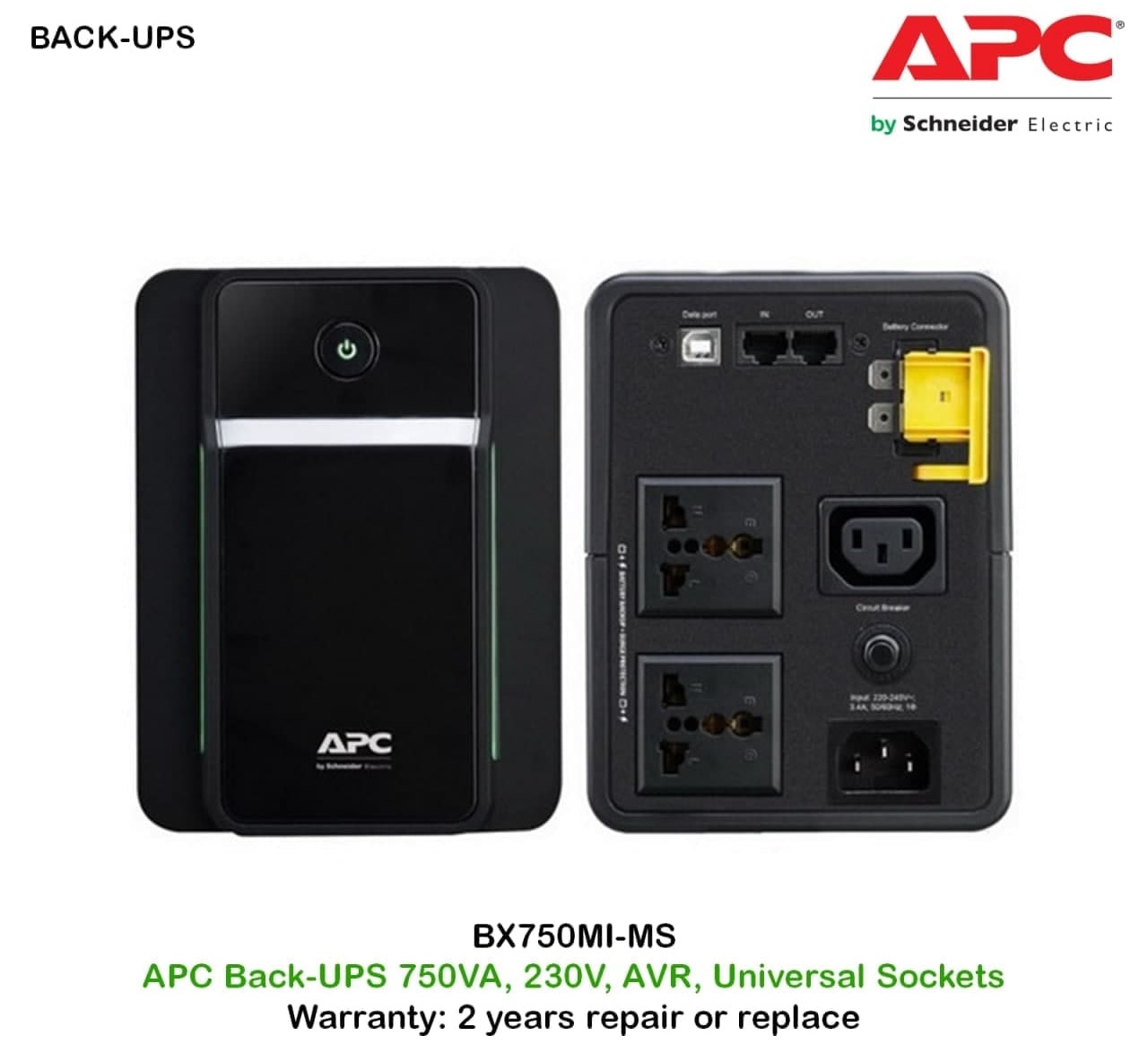
A UPS deal should be evaluated against load and battery replacement, not just VA rating. Check outlet type, expected runtime for the actual router or gateway load, alarm behaviour, and whether replacement batteries are easy to identify. A discount is weak if the battery path is obscure.
The purchase note should list exactly what plugs into battery-backed outlets. If that list is not written, the office will eventually add a printer, heater, or monitor and reduce the protection that mattered in the first place.
Ownership and support signals
Support clarity is not a small detail. Public driver pages, manuals, firmware notes, warranty wording, battery guidance, and replacement accessories determine whether a device remains useful after the original buyer is busy. When a page is polished but support evidence is vague, we lower confidence.
The strongest ownership pattern is simple: name the device owner, save the official support page, record model numbers, and decide what will happen when the device fails during a normal workday. This habit matters for every category on Burgiss Waring because most office electronics are shared by people who did not choose them.
Common mistakes to avoid
The first mistake is buying around a single impressive number. Print speed, camera resolution, port count, VA rating, screen size, or battery runtime can matter, but none of them replaces workflow fit. The second mistake is treating a sale as a decision. A lower price can still be expensive when it brings unclear support, poor accessories, or avoidable downtime.
The third mistake is comparing devices without a handover note. If another employee cannot understand how to connect, maintain, restart, refill, or replace the device, the office has bought a dependency rather than a tool.
Practical buying note
Before ordering, write a one-page ownership note for the device. Include the exact model name, the official support page, required cables or supplies, where receipts are stored, and the person who decides when the device is replaced. This small document prevents a common small-office failure: the team remembers why a device was bought, but not how it should be maintained. It also keeps future comparisons honest, because the next purchase can be judged against a real workflow rather than a memory of the old problem.
Procurement acceptance check
Treat every discount as a short business case. Save the normal price, sale price, warranty terms, return window, consumable price, and any accessory that must be bought separately. Then ask whether the office would still choose the device at full price if the current unit failed next month. A deal is attractive only when it lowers the total ownership cost for a known workflow. If the discount pushes the team toward an unsupported model, a short warranty, or an unclear accessory path, wait for a cleaner offer.
Deal approval workflow
Use a three-step rule before acting on any office electronics discount. First, confirm the device solves a current workflow problem. Second, confirm support and consumables are still available through official pages. Third, compare the final basket price with the accessories required to make the device usable: cable, mount, spare battery, ink, toner, warranty, or dock.
A deal should have an expiry note and a rejection reason. If the price rises before approval, the team should know whether the purchase still makes sense. If the device is rejected, record whether it failed on support, workflow fit, total cost, or timing. That record improves the next price watch because the team stops rediscovering the same reasons.
Pause when the discount creates urgency but the owner is unclear. Shared electronics need someone to set up, label, maintain, and eventually retire them. If nobody owns those steps, the sale is not a saving; it is a deferred support ticket.
Scoring worksheet for a deal decision
Score workflow fit before discount. Full credit means the device solves a current problem already named in the office plan. Partial credit means it is likely useful but not urgent. No credit means the discount created the need. A price cut should never be the first proof that a printer, router, webcam, UPS, or monitor belongs in the office.
Score total basket cost next. Include required cables, mounts, ink, toner, batteries, docks, warranty extensions, and setup time. A device with a smaller discount but cleaner support path can beat a larger discount that requires obscure accessories. If the team cannot identify the exact model suffix and support page, the deal should wait until those details are clear.
Score timing and reversibility last. Some deals are worth acting on because the old device is failing and the support evidence is strong. Others should be rejected because the office has no owner, no acceptance test, or no place to store the device. Refresh the price watch when a product line changes, consumables move out of stock, support pages disappear, or the same category appears in deals repeatedly without a purchase decision. Repeated hesitation is data: the office may not need the device yet.
Where to go next
Use this article with the adjacent Burgiss Waring guides: office printers small office network stack business webcams small meeting rooms desk ups battery backup guide Keep the support index, the deals desk, the printer shortlist, and the network stack guide open when a purchase touches more than one device category.
For procurement teams, the final check is consistency. Use the same scoring language across every shortlisted device: what job it performs, what support evidence exists, what extra parts are needed, and what happens when it fails. This prevents a monitor, printer, router, UPS, webcam, or headset from being approved for different reasons that cannot be compared later.
Edge cases before approval
Check whether the discount is attached to an older revision, a regional model, or a bundle that changes the support path. Office electronics often share similar names across generations. A deal can look strong while quietly dropping a port, changing a warranty route, or using supplies that differ from the model the office intended to buy.
Also ask whether waiting has a cost. If a failing printer, router, monitor, or UPS is already causing workarounds, a modest discount on a supported model may beat waiting for a theoretical larger sale. If the current device is stable and the new device has no owner, waiting is usually the better decision. The price watch should record both sides so urgency stays honest.
Final procurement note
Approve a deal only when the final basket and support path are known. The final note should capture the model suffix, support page, required accessories, reason to buy now, and reason to walk away if the price changes. That keeps a time-limited sale from turning into an unreviewed purchase.
For refresh planning, save rejected deals as well as approved ones. A short rejection note shows whether the office keeps passing because support is weak, ownership is unclear, or the category is not urgent. That history makes the next sale easier to judge.
FAQ
When is an office electronics sale worth acting on immediately?
Act when the device solves a current workflow problem, the support path is clear, and the bundle includes the accessories or consumables needed for use. Waiting for a lower number is less valuable when the current device is already creating daily interruptions.
How often should a small office refresh shared electronics?
Refresh timing should follow support risk, not a fixed calendar. Replace earlier when drivers, batteries, consumables, or firmware support become unreliable. If a device still has clear support documentation, available accessories, and no recurring workflow problems, it can remain in service longer.
Should we buy the cheapest option if the specifications match?
Not automatically. Similar specifications can hide different support paths, setup effort, consumable costs, and downtime risk. A slightly more expensive device is often the better value when it is easier to maintain and easier for non-specialists to use.
Do affiliate links affect Burgiss Waring rankings?
No. Commercial availability is separate from editorial scoring. We may earn commissions from some outbound links, but rankings are based on workflow fit, support clarity, ownership cost, and documented buyer risk.