A desk UPS should protect the devices that keep work moving, not become another oversized box no one understands. The aim is to help a small team make a durable decision rather than chase a spec sheet or a temporary price badge. We use public evidence and practical ownership questions because office electronics are judged after the box is opened, not on the product grid.
The source set for this revision includes APC Back-UPS BX750MI official page, CyberPower CP900EPFCLCD-UK official page, Eaton 3S Mini UPS official page, APC Back-UPS Pro BR900MI official page. Manufacturer pages are useful for specifications and support promises, but Burgiss Waring also weighs setup ownership, replacement friction, and whether a non-specialist can keep the device useful. For site-level standards, see About Burgiss Waring and our editorial policy.
Quick verdict
Size a UPS around the devices that must stay alive, the outlet layout, and the support path for battery replacement before comparing headline VA numbers. The best purchase is the one that creates fewer interruptions across the next year. That means the support page, cable plan, consumable path, warranty wording, and daily handover are part of the decision, even when a cheaper device has similar headline specifications.
| Evaluation factor | Why it matters | Weight |
|---|---|---|
| Workflow fit | The device must solve a real office job, not a vague upgrade wish. | High |
| Setup friction | Shared gear fails when only one person knows how it works. | High |
| Support clarity | Public documentation and replacement guidance reduce downtime. | High |
| Ownership cost | Consumables, accessories, batteries, and downtime change the real price. | Medium |
How we read this category
We read desk UPS purchases as continuity planning, not accessory shopping. The important question is what must stay alive during a short outage and what can safely shut down. A UPS that keeps the router, modem, switch, and gateway stable for a brief interruption may be more useful than a larger unit overloaded with monitors and printers. Official pages help with capacity, battery, and outlet details, but the final decision depends on the office load map, cable labels, replacement battery path, and whether a non-specialist can interpret the alarm state.
A useful shortlist should slow the buyer down in the right places. Before purchase, write down who owns setup, what failure would interrupt work, where documentation lives, and what accessory or consumable is needed first. If those answers are missing, the shortlist is not ready.
Shortlist notes
Router and modem backup
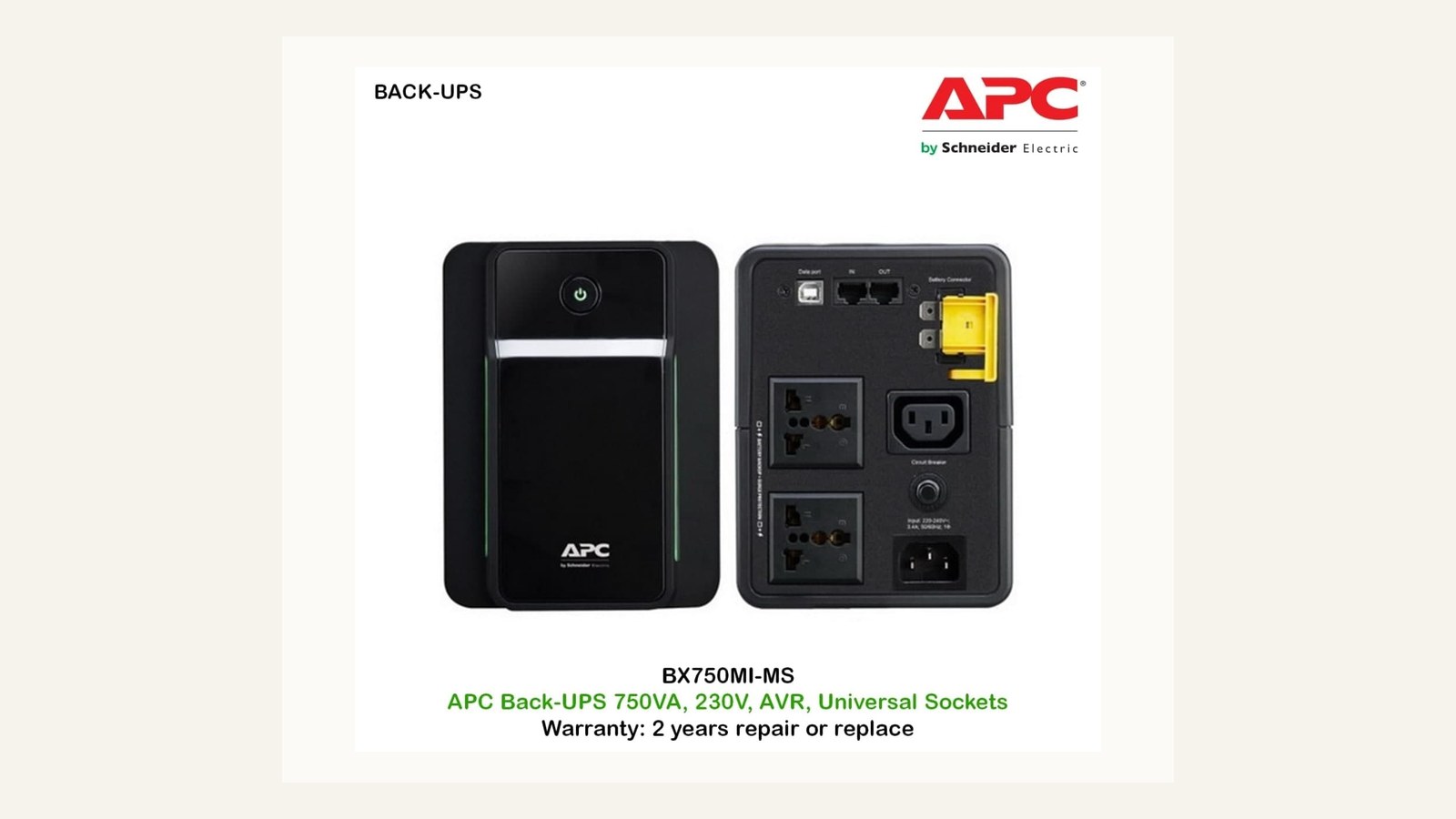
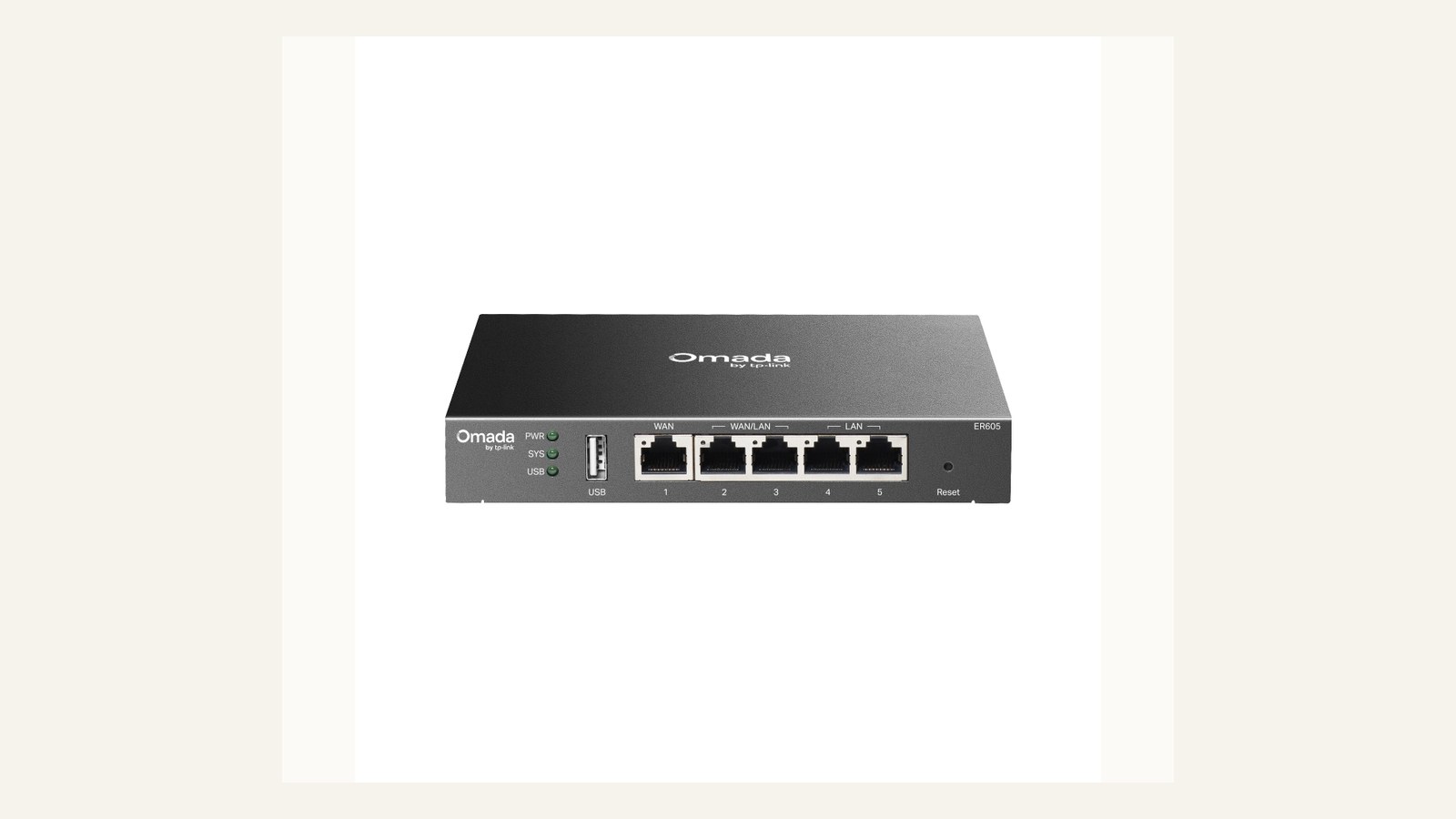
A UPS for the router and modem is about graceful continuity, not keeping the whole office running. The device should buy enough time for short outages, controlled shutdowns, and remote workers who need the connection to stay alive while mains power flickers. Check outlet type, battery replacement guidance, audible alarm behaviour, and whether the modem power brick actually fits the layout.
Keep the load list narrow. Router, modem, small switch, and possibly an access point controller belong on the first pass. Printers, monitors, heaters, chargers, and desk hubs should stay off battery outlets unless the UPS was sized specifically for them. The easiest UPS mistake is protecting too much and protecting nothing well.
Router load profile
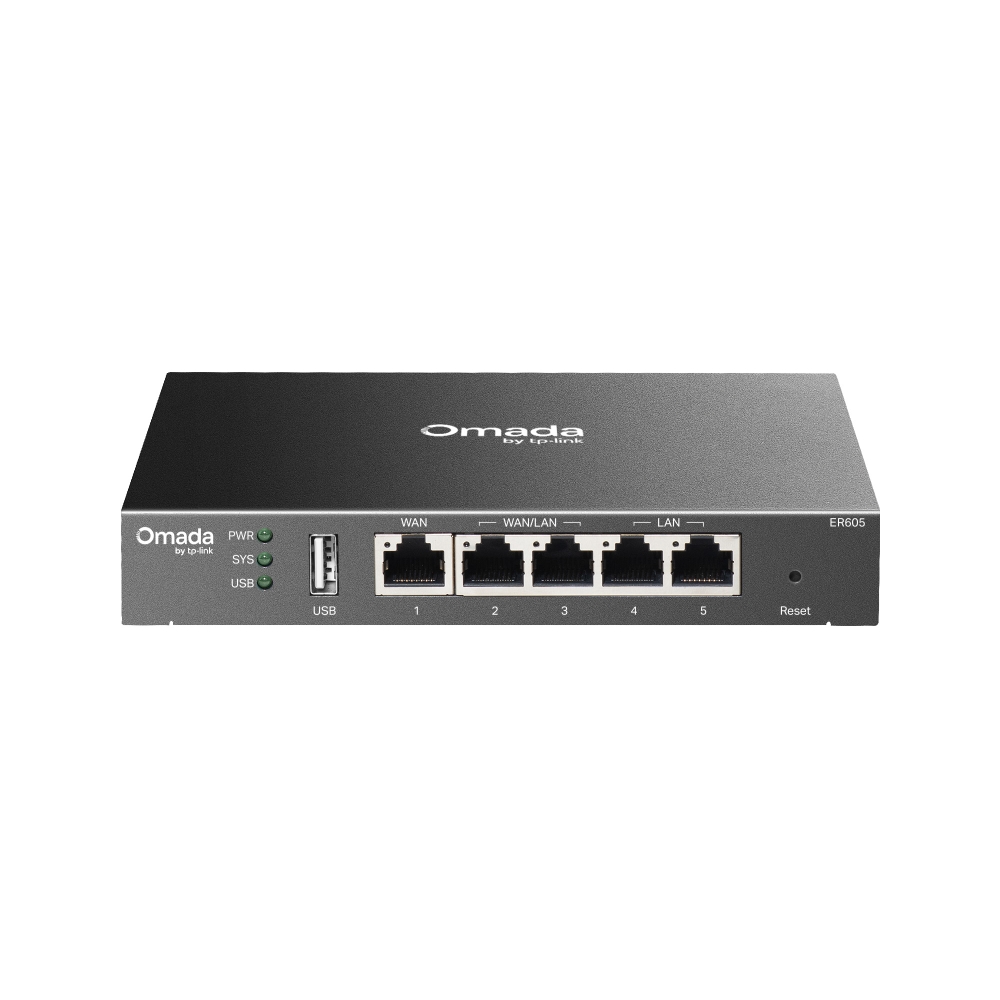
A router load profile should be written before buying the battery. Record the router model, modem model, PoE injector if any, and the normal wattage estimate from the power bricks or official documentation. Runtime estimates on product pages are useful only when the load is comparable to the office's real stack.
The ownership note should say which devices are allowed on battery outlets and which ports are surge-only. Label the cables. In a small office, a UPS often fails operationally because somebody moves a plug during a desk clean-up and nobody notices until the next outage.
Switch load profile
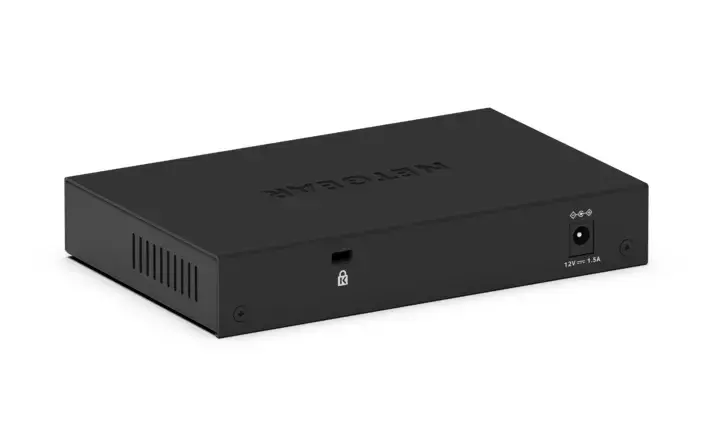
A small managed switch is usually a better UPS candidate than a printer because it keeps access points, wired desks, or network storage reachable during a short interruption. The question is whether that continuity matters for the business. If every laptop can switch to mobile data, a long UPS runtime may be less important than clean surge protection and a simple restart process.
Check whether the switch is PoE, whether any access points depend on it, and whether the UPS outlets are spaced for the actual plugs. If the switch powers ceiling access points, a battery decision becomes a Wi-Fi continuity decision rather than a desk accessory decision.
Gateway continuity plan
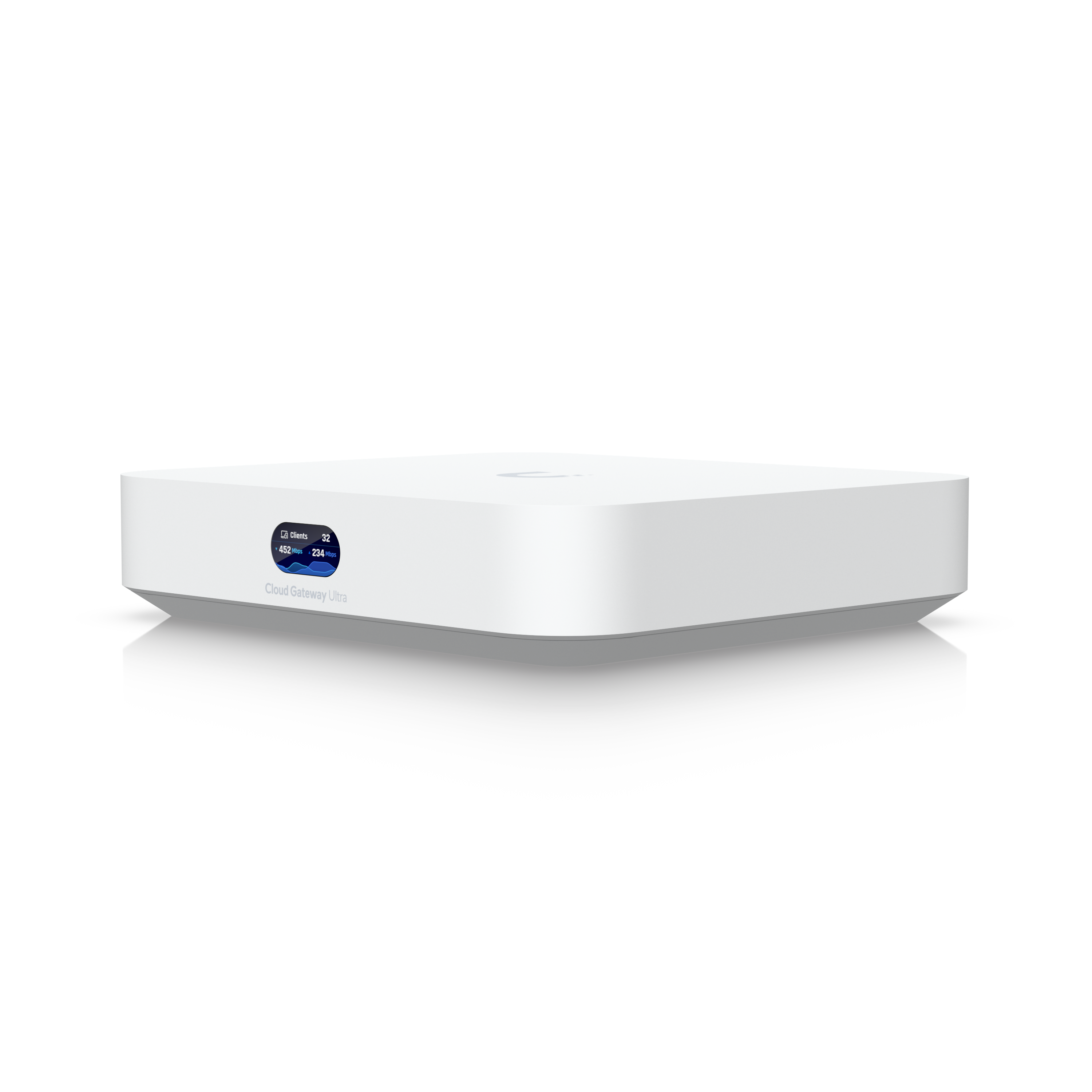
A gateway continuity plan should include the router, broadband equipment, DNS or security appliance, and the person who can restart them. The more managed the gateway, the more important it is to save login, support, and firmware details somewhere the team can reach during an outage.
For small teams, the best UPS is often the one that makes recovery boring. A display, alarm mute control, clear battery replacement path, and obvious load labels can matter more than a slightly higher VA figure. If nobody can interpret the warning beeps, the office has bought anxiety rather than resilience.
Ownership and support signals
Support clarity is not a small detail. Public driver pages, manuals, firmware notes, warranty wording, battery guidance, and replacement accessories determine whether a device remains useful after the original buyer is busy. When a page is polished but support evidence is vague, we lower confidence.
The strongest ownership pattern is simple: name the device owner, save the official support page, record model numbers, and decide what will happen when the device fails during a normal workday. This habit matters for every category on Burgiss Waring because most office electronics are shared by people who did not choose them.
Common mistakes to avoid
The first mistake is buying around a single impressive number. Print speed, camera resolution, port count, VA rating, screen size, or battery runtime can matter, but none of them replaces workflow fit. The second mistake is treating a sale as a decision. A lower price can still be expensive when it brings unclear support, poor accessories, or avoidable downtime.
The third mistake is comparing devices without a handover note. If another employee cannot understand how to connect, maintain, restart, refill, or replace the device, the office has bought a dependency rather than a tool.
Practical buying note
Before ordering, write a one-page ownership note for the device. Include the exact model name, the official support page, required cables or supplies, where receipts are stored, and the person who decides when the device is replaced. This small document prevents a common small-office failure: the team remembers why a device was bought, but not how it should be maintained. It also keeps future comparisons honest, because the next purchase can be judged against a real workflow rather than a memory of the old problem.
Procurement acceptance check
Before installing a UPS, list every device that will touch the battery outlets and write down its wattage or adapter rating. Then run a controlled power-off with the router, modem, switch, and gateway connected, because runtime estimates are only useful when they match the real load. The office owner should label battery-backed sockets, surge-only sockets, and the next battery replacement month. This prevents the common mistake of protecting a printer or monitor while the network hardware that keeps cloud work alive is left unprotected.
Battery-backup acceptance workflow
Start with an outage script. Unplug the UPS from mains during a quiet period and confirm which devices stay online, which alarms sound, and how long the team needs the network to survive. Do not run the test with only one person watching; the person who normally opens the office should understand the lights, beeps, and shutdown plan.
Write a small load map and tape it near the battery. Include modem, router, switch, access point controller, and any device that must never be moved to a battery outlet. The map should also record battery replacement part numbers and the support page. This prevents a common support failure where the UPS is still under the desk but its battery has aged out unnoticed.
Pause the purchase when the proposed UPS is being asked to cover printers, monitors, speakers, chargers, and network gear at once. That is a sign the team has not separated continuity from convenience. Protect the connection first, then decide whether any desk devices deserve their own plan.
Scoring worksheet for battery backup
Score load discipline first. Full credit requires a written list of battery-backed devices, their adapter ratings, and the sockets they use. Partial credit means the buyer has a rough list but no labels. No credit means the UPS is being bought as a general power strip. Printers, heaters, large monitors, and random chargers should not be allowed to dilute the runtime needed by network equipment.
Score recovery clarity next. A useful UPS tells the office what is happening and what to do. The acceptance note should explain the alarm, the mute button if present, the expected runtime for the real load, and the shutdown or restart order. If the office owner cannot explain those steps after a five-minute handover, the device is too opaque for shared infrastructure.
Score maintenance evidence last. Battery replacement information, warranty terms, and official support pages should be stored with the model number. The refresh trigger is not only a dead battery; it is also missing battery references, unexplained alarms, swelling, repeated overload warnings, or a network outage where the UPS failed to protect the devices it was bought for. A cheaper UPS can win when it is easy to maintain. A higher-rated unit should lose when the battery path is unclear.
Where to go next
Use this article with the adjacent Burgiss Waring guides: small office network stack office electronics price watch qhd usb c monitors office work support index office electronics Keep the support index, the deals desk, the printer shortlist, and the network stack guide open when a purchase touches more than one device category.
For procurement teams, the final check is consistency. Use the same scoring language across every shortlisted device: what job it performs, what support evidence exists, what extra parts are needed, and what happens when it fails. This prevents a monitor, printer, router, UPS, webcam, or headset from being approved for different reasons that cannot be compared later.
Edge cases before approval
Check the building's real outage pattern. A UPS for ten-second flickers is different from a plan for repeated thirty-minute interruptions. If outages are long, the office may need mobile failover, a shutdown plan, or a separate battery strategy rather than a larger desk UPS. If outages are short but frequent, alarm behaviour and automatic recovery become more important than headline runtime.
Also test what happens after power returns. Some routers, modems, and gateways recover in a different order, and a UPS can keep one device alive while another reboots. The acceptance note should say which device to restart first and when to leave the stack alone. Recovery order is part of the purchase.
Final procurement note
Approve the UPS only when the office can explain what remains online, for how long, and why. The final note should include the real device load, outlet labels, alarm behaviour, battery replacement reference, and the restart order after power returns. If those details are missing, the office is buying hope rather than continuity.
For refresh planning, schedule a short runtime check before the busy season or before a lease renewal. Batteries age quietly, and a UPS that passed on day one can become a weak link long before the casing looks old.
FAQ
Should a printer be connected to a UPS battery outlet?
Usually no. Printers, especially laser printers, can draw high peaks and are often better kept on surge-only protection unless the UPS documentation says otherwise. Prioritise routers, modems, switches, and critical computers for battery-backed outlets.
How often should a small office refresh shared electronics?
Refresh timing should follow support risk, not a fixed calendar. Replace earlier when drivers, batteries, consumables, or firmware support become unreliable. If a device still has clear support documentation, available accessories, and no recurring workflow problems, it can remain in service longer.
Should we buy the cheapest option if the specifications match?
Not automatically. Similar specifications can hide different support paths, setup effort, consumable costs, and downtime risk. A slightly more expensive device is often the better value when it is easier to maintain and easier for non-specialists to use.
Do affiliate links affect Burgiss Waring rankings?
No. Commercial availability is separate from editorial scoring. We may earn commissions from some outbound links, but rankings are based on workflow fit, support clarity, ownership cost, and documented buyer risk.