Brand reliability starts with support evidence: documentation, warranty language, driver access, firmware history, and parts visibility. The aim is to help a small team make a durable decision rather than chase a spec sheet or a temporary price badge. We use public evidence and practical ownership questions because office electronics are judged after the box is opened, not on the product grid.
The source set for this revision includes Brother downloads page, Dell U2724DE support overview, Omada ER605 download page, HP Poly Voyager Focus 2 official page. Manufacturer pages are useful for specifications and support promises, but Burgiss Waring also weighs setup ownership, replacement friction, and whether a non-specialist can keep the device useful. For site-level standards, see About Burgiss Waring and our editorial policy.
Quick verdict
Favour brands that make support pages, drivers, manuals, warranty terms, and replacement accessories easy to find before you buy. The best purchase is the one that creates fewer interruptions across the next year. That means the support page, cable plan, consumable path, warranty wording, and daily handover are part of the decision, even when a cheaper device has similar headline specifications.
| Evaluation factor | Why it matters | Weight |
|---|---|---|
| Workflow fit | The device must solve a real office job, not a vague upgrade wish. | High |
| Setup friction | Shared gear fails when only one person knows how it works. | High |
| Support clarity | Public documentation and replacement guidance reduce downtime. | High |
| Ownership cost | Consumables, accessories, batteries, and downtime change the real price. | Medium |
How we read this category
We read support quality as the long-tail value of office electronics. A product that looks good on day one can become expensive when firmware, drivers, consumables, warranty routes, or reset instructions are hard to find. This support index is not a brand popularity list; it is a record of whether a small office can keep shared devices useful after the buyer moves on. Official pages and support portals provide the evidence, while the score comes from clarity, availability, and whether normal staff can act on the guidance.
A useful shortlist should slow the buyer down in the right places. Before purchase, write down who owns setup, what failure would interrupt work, where documentation lives, and what accessory or consumable is needed first. If those answers are missing, the shortlist is not ready.
Shortlist notes
Logitech headset support signal

A headset support signal should include more than a product page. Look for firmware tools, warranty routes, spare ear cushions or cables, and clear pairing help. Headsets are personal enough to create comfort issues, but shared enough to become an IT problem when Bluetooth or mute behaviour changes.
For a small office, support confidence is higher when the same model can be documented once and reused across staff. Mixed headset fleets can work, but they need better notes. Otherwise every call problem becomes a new investigation.
Omada router support signal
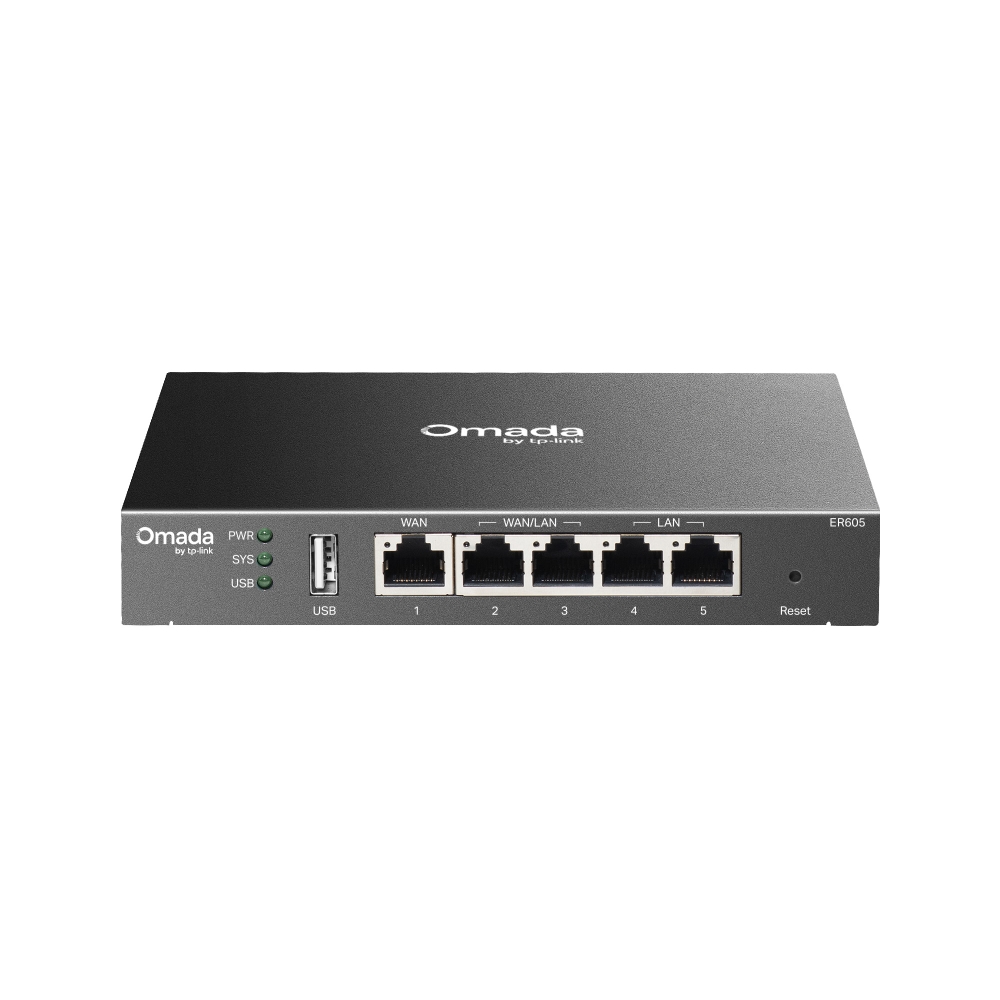
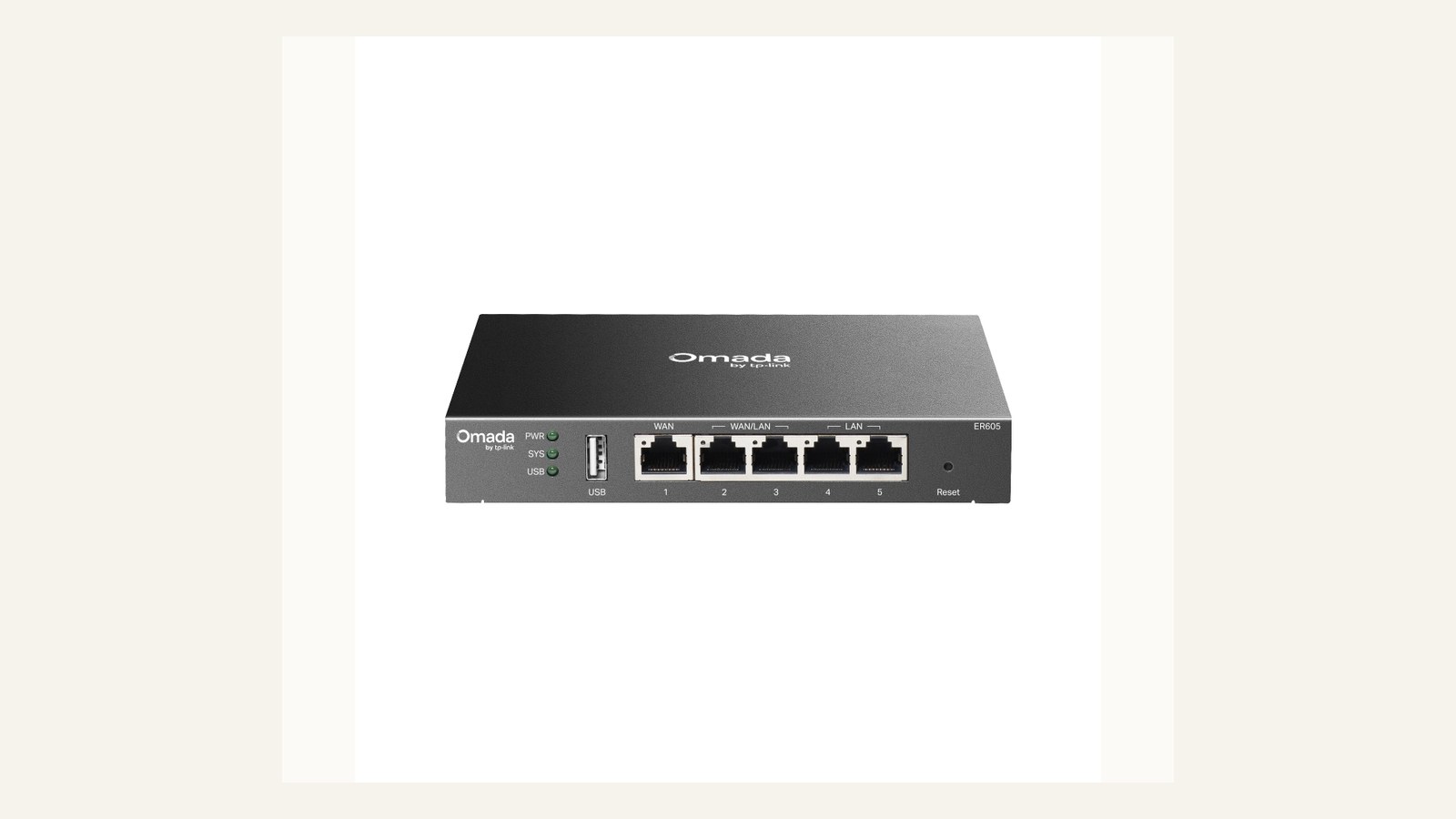
Router support is a higher-risk signal because the device sits between the office and its work. Download pages, firmware notes, controller compatibility, and reset guidance matter. A router with vague support can be a poor choice even if the hardware specification looks attractive.
The support index should record firmware cadence and admin ownership. The office should know who is allowed to change settings and how those settings are backed up. Without that, support evidence on the vendor site will not translate into recoverability in the room.
HP Poly headset support signal

A Poly-style headset support signal is strongest when documentation covers pairing, reset, firmware, comfort accessories, and platform compatibility. The product may be used by people who are not technical, so recovery instructions need to be short and findable.
The office should also track which call apps are used. A headset that behaves well in one platform may need different settings in another. Support notes should include Teams, Zoom, Meet, or softphone behaviour if those tools matter to the team.
Jabra meeting audio support signal
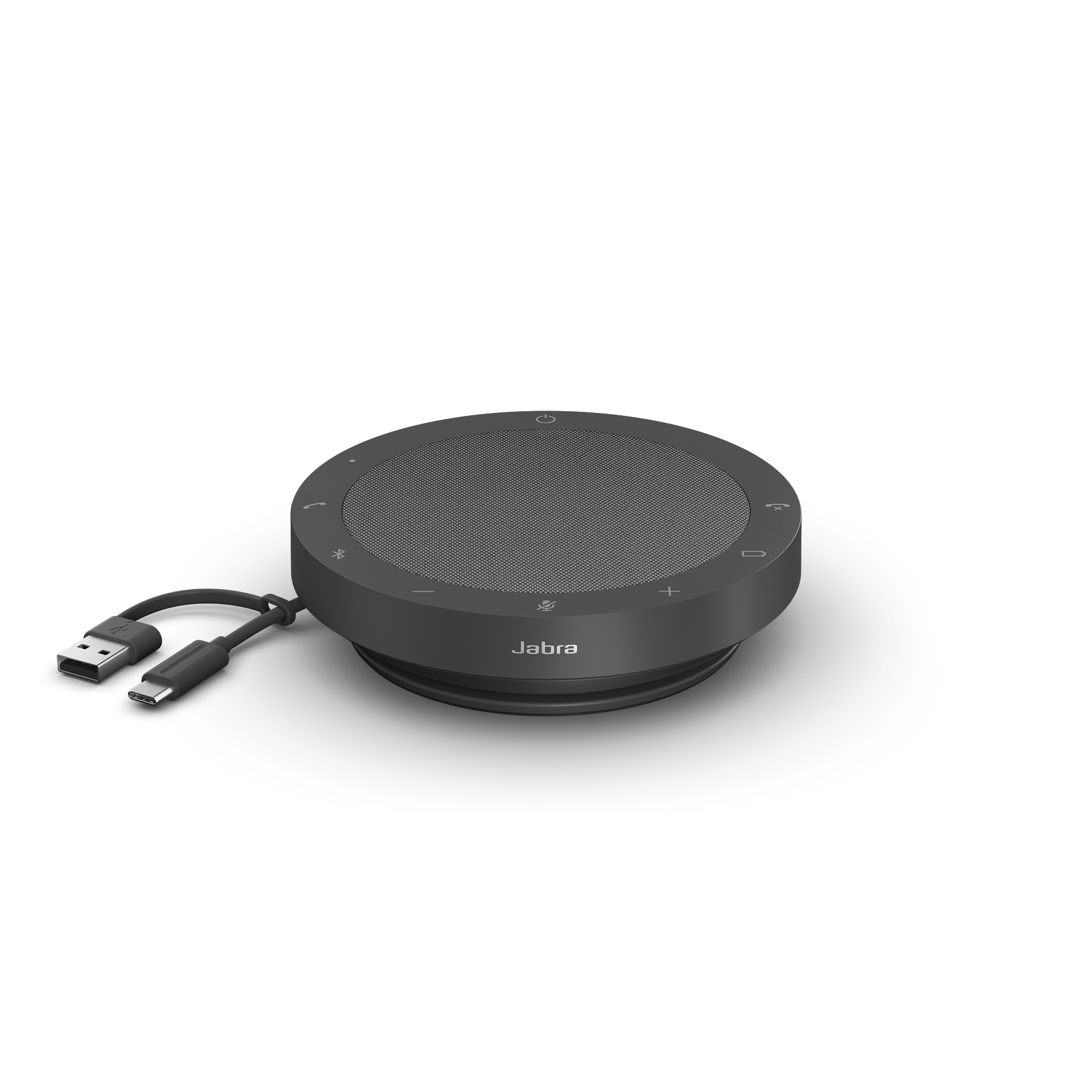
A speakerphone support signal should cover firmware, Bluetooth/USB behaviour, reset process, and whether the vendor gives clear meeting-room guidance. Speakerphones are often shared, so simple recovery matters more than advanced controls most users will never open.
Support confidence rises when the device has a fixed storage place, a known cable, and a written reset step. The support index should not only ask whether documentation exists; it should ask whether a normal employee can act on it before a meeting starts.
Ownership and support signals
Support clarity is not a small detail. Public driver pages, manuals, firmware notes, warranty wording, battery guidance, and replacement accessories determine whether a device remains useful after the original buyer is busy. When a page is polished but support evidence is vague, we lower confidence.
The strongest ownership pattern is simple: name the device owner, save the official support page, record model numbers, and decide what will happen when the device fails during a normal workday. This habit matters for every category on Burgiss Waring because most office electronics are shared by people who did not choose them.
Common mistakes to avoid
The first mistake is buying around a single impressive number. Print speed, camera resolution, port count, VA rating, screen size, or battery runtime can matter, but none of them replaces workflow fit. The second mistake is treating a sale as a decision. A lower price can still be expensive when it brings unclear support, poor accessories, or avoidable downtime.
The third mistake is comparing devices without a handover note. If another employee cannot understand how to connect, maintain, restart, refill, or replace the device, the office has bought a dependency rather than a tool.
Practical buying note
Before ordering, write a one-page ownership note for the device. Include the exact model name, the official support page, required cables or supplies, where receipts are stored, and the person who decides when the device is replaced. This small document prevents a common small-office failure: the team remembers why a device was bought, but not how it should be maintained. It also keeps future comparisons honest, because the next purchase can be judged against a real workflow rather than a memory of the old problem.
Procurement acceptance check
Before a brand earns office trust, check one current product and one older product from the same support system. The buyer should confirm downloads, manuals, warranty wording, firmware notes, accessory availability, and a clear path for replacement parts or help. Save screenshots or links in the procurement note, because support pages can move after purchase. A brand with strong current marketing but weak support history should be treated cautiously, especially for shared devices that several people depend on every week.
Support-record acceptance workflow
Create a support record for each shared device before it is deployed. The record should include model number, serial number if useful, purchase date, warranty route, official support URL, firmware or driver page, consumables, and the internal owner. Keep it in the same place for printers, monitors, routers, webcams, headsets, UPS units, and scanners.
The record should also include a plain recovery line: what to restart, what cable to check, and when to replace the device rather than troubleshoot it again. This avoids the common small-office pattern where every support incident starts from zero because the original buyer remembers the product but not the maintenance path.
Pause future purchases from brands that make support evidence hard to find. Strong product pages are not enough for shared office electronics. A brand earns confidence when documentation, parts, updates, and warranty routes remain visible after the sale.
Scoring worksheet for support evidence
Score documentation visibility first. Full credit means the official support page, downloads, warranty route, and replacement parts or consumables are easy to identify for the exact model. Partial credit means documentation exists but requires too much searching. No credit means the product page is polished but post-purchase support is vague. A shared office device should not require detective work when it fails.
Score internal record quality next. The office should store model numbers, serial numbers when useful, purchase dates, support URLs, firmware or driver pages, and the internal owner in one place. This record turns vendor support into practical recovery. Without it, even strong vendor documentation may not help because the team cannot identify the exact device or purchase context.
Score refresh triggers last. Support risk rises when drivers stop updating, batteries or consumables become hard to source, warranty routes change, or reset instructions are no longer enough to restore normal use. A brand earns repeat consideration when support evidence stays visible after the sale. A brand should be downgraded when the office has to replace otherwise functional gear because maintenance information disappeared.
Where to go next
Use this article with the adjacent Burgiss Waring guides: office printers small office network stack qhd usb c monitors office work office call audio headsets speakerphones Keep the support index, the deals desk, the printer shortlist, and the network stack guide open when a purchase touches more than one device category.
For procurement teams, the final check is consistency. Use the same scoring language across every shortlisted device: what job it performs, what support evidence exists, what extra parts are needed, and what happens when it fails. This prevents a monitor, printer, router, UPS, webcam, or headset from being approved for different reasons that cannot be compared later.
Edge cases before approval
Check support after ownership changes. The real test of a support record is whether a new employee can use it without asking the original buyer. If the note depends on memory, private browser bookmarks, or an inbox only one person can access, it is not a support record yet. Keep the evidence in a shared, controlled place.
Also check end-of-life signals. A device may still work, but if firmware is stale, consumables are scarce, batteries are hard to identify, or warranty links redirect unpredictably, the office should plan replacement before failure. Support-led refresh is calmer than emergency replacement, especially for routers, printers, UPS units, and call audio used every day.
Final procurement note
Approve a brand for repeat buying only when its support evidence remains usable after the first purchase. The final note should include where documentation lives, which device records are complete, and what replacement signals will trigger review. Support quality is not a promise; it is a habit the office can verify.
For refresh planning, audit a few records each quarter. If model numbers, warranty routes, firmware pages, or consumable references are missing, fix the record before the device fails. Support work done calmly is cheaper than support work done during an outage.
A final support check should be done from a clean browser session, not the buyer's bookmarked history. Search the official site for the exact model, confirm the support page still resolves, and save the route in the office record. If support can only be found through old emails or private notes, the record is too fragile for shared equipment.
FAQ
What makes an office electronics brand reliable?
Reliability starts with the product, but it continues through support evidence. Clear downloads, manuals, warranty wording, update notes, accessory visibility, and model-specific pages make a brand easier for small teams to own.
How often should a small office refresh shared electronics?
Refresh timing should follow support risk, not a fixed calendar. Replace earlier when drivers, batteries, consumables, or firmware support become unreliable. If a device still has clear support documentation, available accessories, and no recurring workflow problems, it can remain in service longer.
Should we buy the cheapest option if the specifications match?
Not automatically. Similar specifications can hide different support paths, setup effort, consumable costs, and downtime risk. A slightly more expensive device is often the better value when it is easier to maintain and easier for non-specialists to use.
Do affiliate links affect Burgiss Waring rankings?
No. Commercial availability is separate from editorial scoring. We may earn commissions from some outbound links, but rankings are based on workflow fit, support clarity, ownership cost, and documented buyer risk.