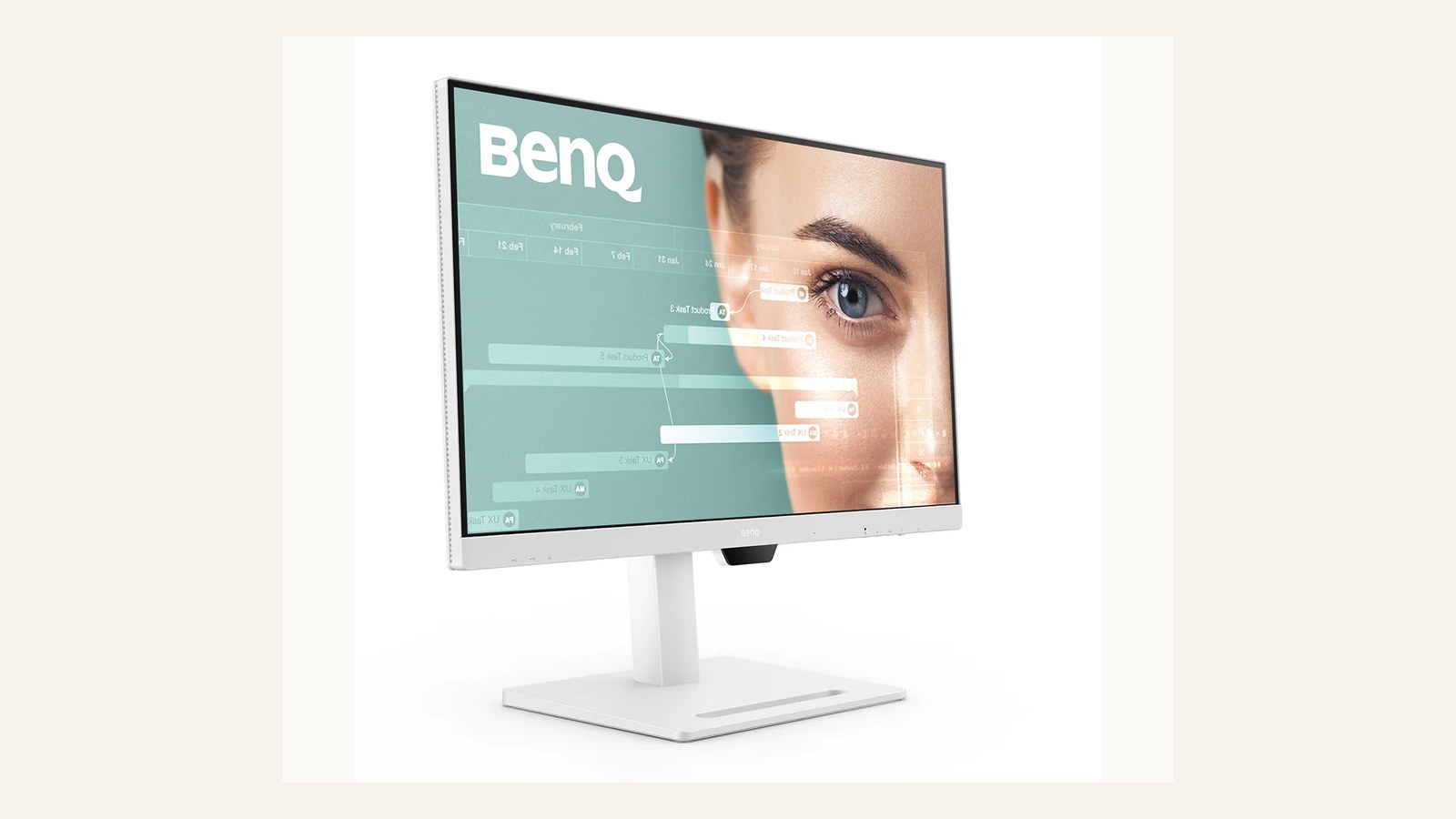
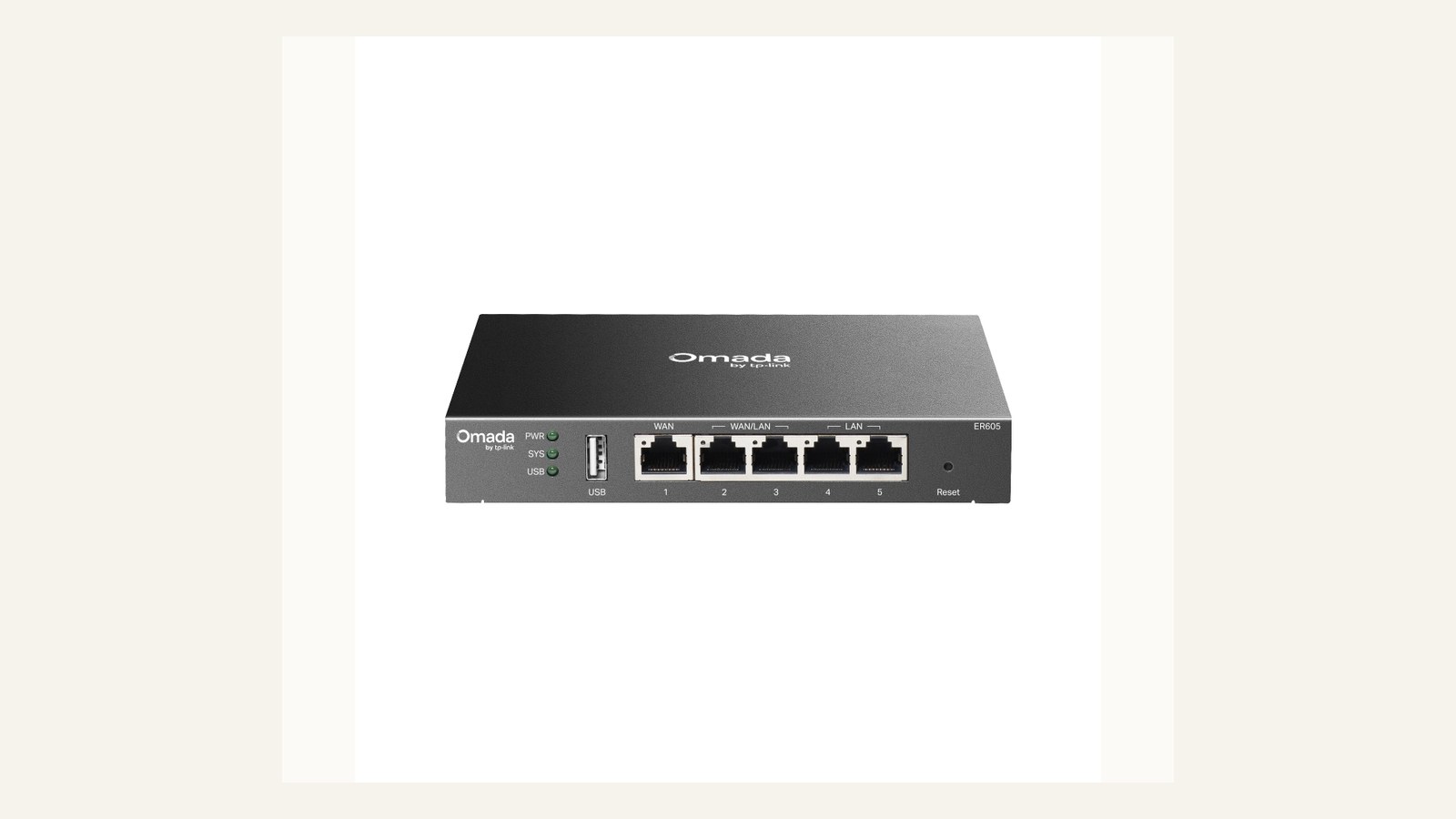
Clear office audio depends on room fit, pickup pattern, comfort, and support more than a single noise-cancellation claim. The aim is to help a small team make a durable decision rather than chase a spec sheet or a temporary price badge. We use public evidence and practical ownership questions because office electronics are judged after the box is opened, not on the product grid.
The source set for this revision includes Logitech Zone Wireless 2 ES official page, HP Poly Voyager Focus 2 official page, Jabra Speak2 55 official page, AnkerWork PowerConf official page. Manufacturer pages are useful for specifications and support promises, but Burgiss Waring also weighs setup ownership, replacement friction, and whether a non-specialist can keep the device useful. For site-level standards, see About Burgiss Waring and our editorial policy.
Quick verdict
Choose personal headsets for focus and privacy; choose speakerphones for small shared rooms where placement and pickup are controlled. The best purchase is the one that creates fewer interruptions across the next year. That means the support page, cable plan, consumable path, warranty wording, and daily handover are part of the decision, even when a cheaper device has similar headline specifications.
| Evaluation factor | Why it matters | Weight |
|---|---|---|
| Workflow fit | The device must solve a real office job, not a vague upgrade wish. | High |
| Setup friction | Shared gear fails when only one person knows how it works. | High |
| Support clarity | Public documentation and replacement guidance reduce downtime. | High |
| Ownership cost | Consumables, accessories, batteries, and downtime change the real price. | Medium |
How we read this category
We read call-audio purchases as behaviour plus hardware. Headsets, speakerphones, and laptop microphones solve different problems: privacy, focus, shared-room participation, and fast ad hoc calls. Product pages can describe battery life, microphones, and compatibility, but the office has to decide where people actually join calls, whether confidential conversations happen, and who owns charging and cleaning. This page scores devices by meeting clarity, handover simplicity, and whether the policy around them is realistic.
A useful shortlist should slow the buyer down in the right places. Before purchase, write down who owns setup, what failure would interrupt work, where documentation lives, and what accessory or consumable is needed first. If those answers are missing, the shortlist is not ready.
Shortlist notes
Logitech Zone Wireless 2 ES
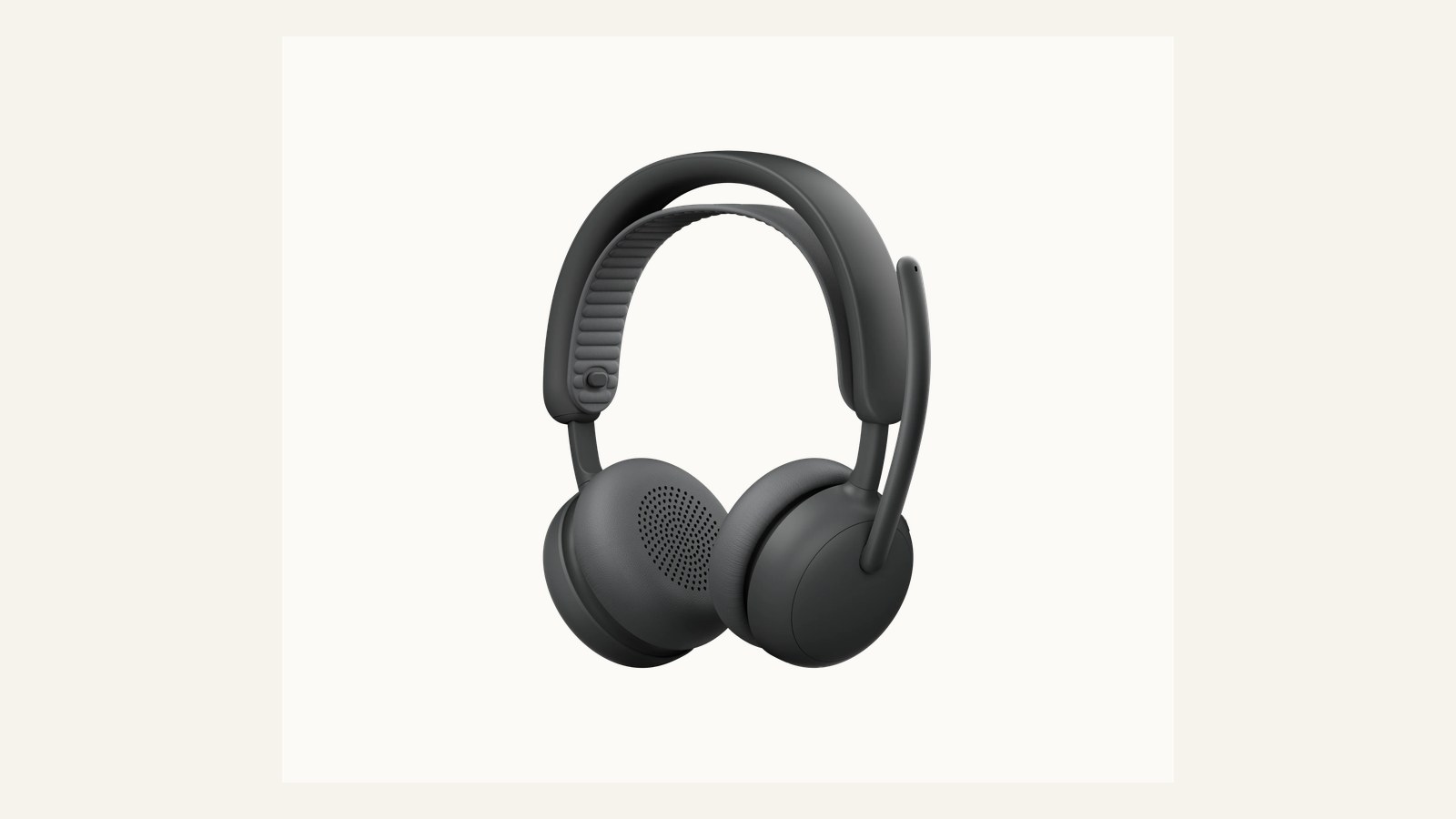
A headset like this belongs in the plan when individual focus is the problem. It can reduce room noise, keep private calls private, and make hybrid meetings less dependent on a perfect room. The buying check should include comfort over a long call, Bluetooth handoff, mute visibility, and whether the team can manage updates without a complex admin process.
Headsets should not be treated as a universal fix. If two people often join the same call from one room, a speakerphone or room audio plan may be better. If calls include confidential material, headsets may be mandatory even when a shared speakerphone would sound easier.
HP Poly Voyager Focus 2
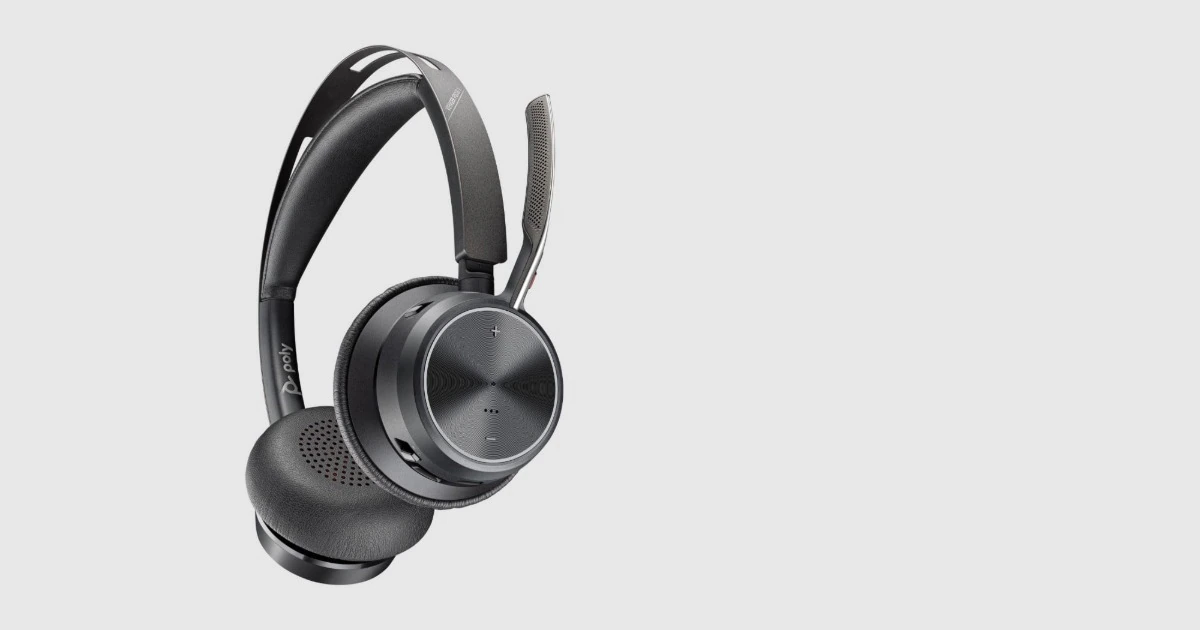
A Voyager-style headset is most useful for people who move between desk work, calls, and occasional quiet rooms. Evaluate it as a daily tool: battery behaviour, charging dock discipline, ear comfort, microphone rejection, and how obvious the mute state is when the user is under pressure.
The office should also decide whether headsets are assigned or pooled. Assigned headsets are easier for hygiene, fit, and accountability. Pooled headsets need cleaning supplies, labeled storage, and spare cables, otherwise they become the gear nobody trusts before an important call.
Jabra Speak2 55
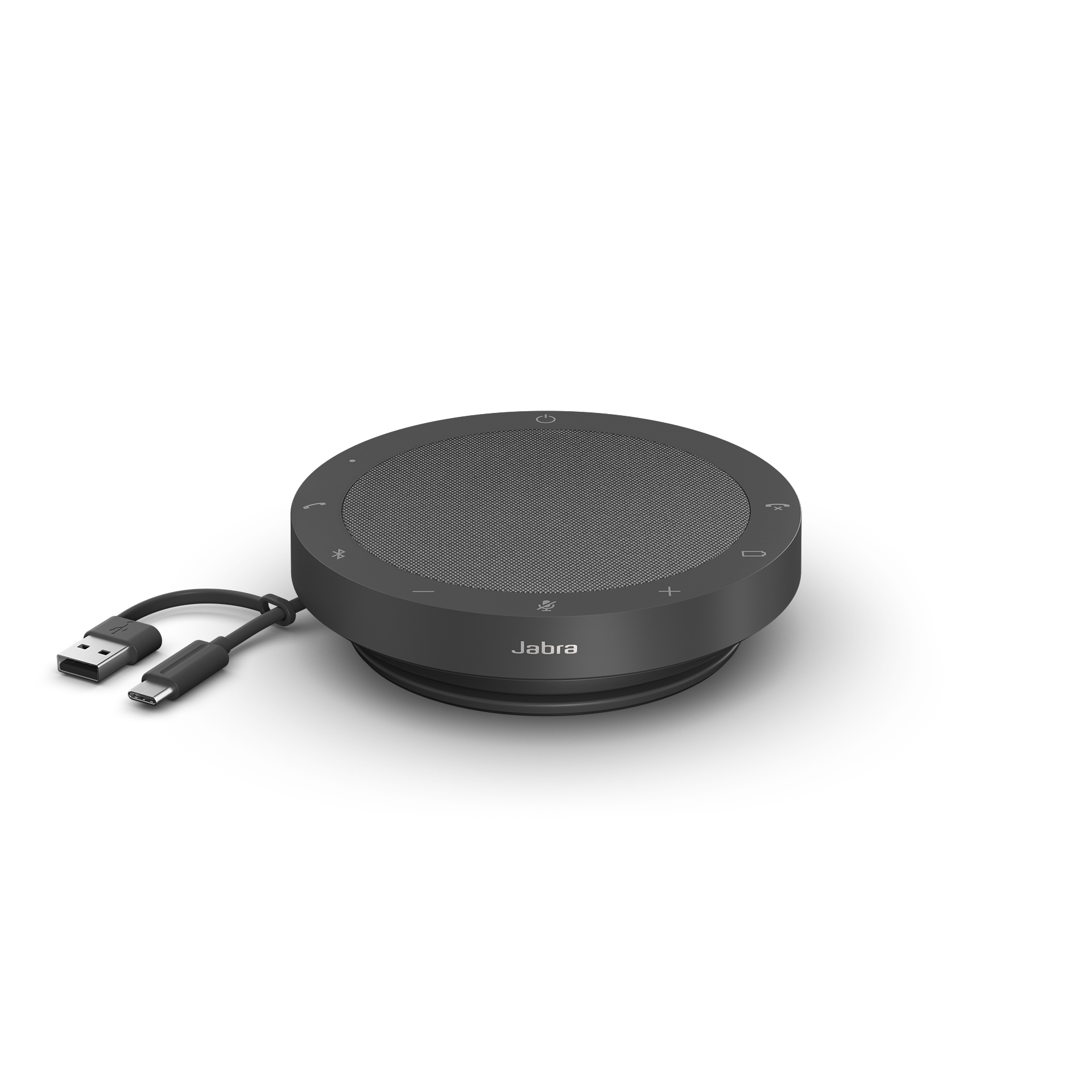
A compact speakerphone is the better first purchase when small groups gather around one laptop and audio is the recurring complaint. The value is quick setup and more natural room participation. The risk is privacy and room discipline: a speakerphone broadcasts the call and picks up side conversations that a headset would avoid.
Test it in the real room with someone typing, someone sitting at the far side, and a remote participant using laptop speakers. If the remote listener cannot follow names clearly, the room needs different placement or a headset policy, not just another speakerphone.
AnkerWork PowerConf
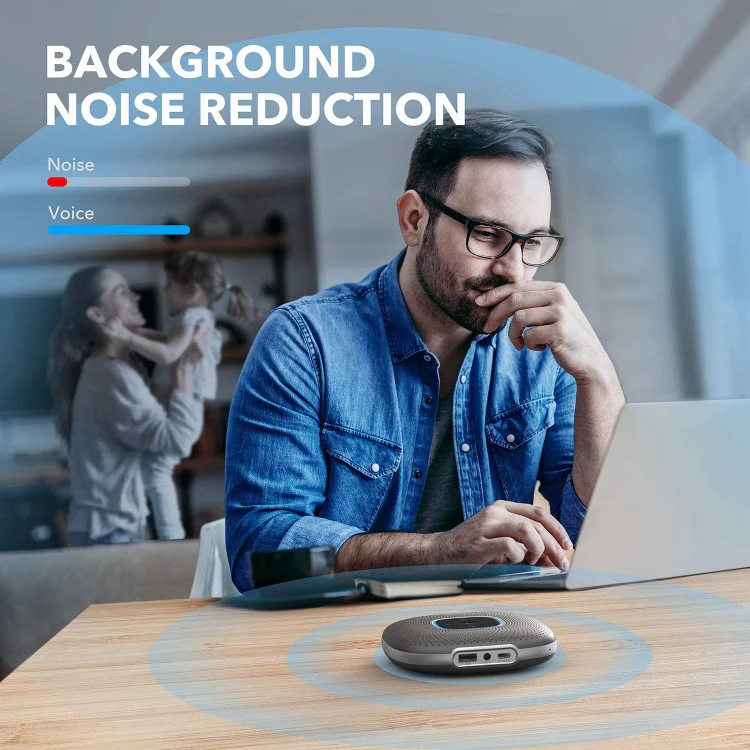
A PowerConf-style unit is practical when the team needs a portable audio bridge for ad hoc meetings. Judge it by connection speed, cable reliability, battery behaviour, and whether it returns to the same device cleanly after being borrowed.
Portable audio should have a checkout habit. Store it with the right cable, label the preferred room, and write the reset step into the ownership note. The device may be technically simple, but the office workflow around it decides whether it is available when the meeting starts.
Ownership and support signals
Support clarity is not a small detail. Public driver pages, manuals, firmware notes, warranty wording, battery guidance, and replacement accessories determine whether a device remains useful after the original buyer is busy. When a page is polished but support evidence is vague, we lower confidence.
The strongest ownership pattern is simple: name the device owner, save the official support page, record model numbers, and decide what will happen when the device fails during a normal workday. This habit matters for every category on Burgiss Waring because most office electronics are shared by people who did not choose them.
Common mistakes to avoid
The first mistake is buying around a single impressive number. Print speed, camera resolution, port count, VA rating, screen size, or battery runtime can matter, but none of them replaces workflow fit. The second mistake is treating a sale as a decision. A lower price can still be expensive when it brings unclear support, poor accessories, or avoidable downtime.
The third mistake is comparing devices without a handover note. If another employee cannot understand how to connect, maintain, restart, refill, or replace the device, the office has bought a dependency rather than a tool.
Practical buying note
Before ordering, write a one-page ownership note for the device. Include the exact model name, the official support page, required cables or supplies, where receipts are stored, and the person who decides when the device is replaced. This small document prevents a common small-office failure: the team remembers why a device was bought, but not how it should be maintained. It also keeps future comparisons honest, because the next purchase can be judged against a real workflow rather than a memory of the old problem.
Procurement acceptance check
Trial call audio with the same apps and room habits the team uses every week. A headset trial should include a noisy desk, a long meeting, mute controls, and a handover to a second laptop. A speakerphone trial should include two seated speakers, one remote participant, and a cable or Bluetooth reconnect after the meeting ends. Save the pairing steps, firmware page, charging cable location, and fallback device in the ownership note. Clear audio is a workflow result, not just a microphone specification.
Call-audio acceptance workflow
Record a test meeting with the exact mix the office expects: one remote person, one quiet speaker, one louder speaker, keyboard noise, and a moment where someone turns away from the microphone. Listen to the recording from ordinary laptop speakers. If names blur together or mute state is unclear, the setup is not ready.
Set a policy before buying. Some teams need assigned headsets for privacy and focus. Others need one reliable speakerphone in a small room. Many need both, but for different jobs. The procurement note should say which calls use headsets, which calls use the room device, where the charging cable lives, and who keeps firmware or companion software current.
Pause the purchase if the team is trying to solve meeting etiquette with hardware alone. A better microphone cannot fix people joining from the same room twice, talking over each other, or leaving the wrong input selected. Buy the gear after the call pattern is clear.
Scoring worksheet for call audio
Score call pattern first. Full credit means the office has separated private calls, shared-room calls, ad hoc huddles, and focus work. Partial credit means the team knows the main complaint but has not written a use rule. No credit means one device is expected to solve every meeting. Headsets and speakerphones are not substitutes; they are tools for different call shapes.
Score user friction next. A headset should be comfortable, charged, easy to mute, and assigned clearly. A speakerphone should connect quickly, sit in the right room, and be returned with its cable. If the setup requires users to search Bluetooth menus or guess the active microphone before each meeting, the hardware is not truly ready. A cheap device can win when it is predictable. A premium one should lose when the handover is fragile.
Score hygiene, privacy, and support together. Assigned headsets reduce sharing friction; shared speakerphones need cleaning and storage rules. The support note should include reset steps, firmware or companion software, and the default call app settings. Refresh when battery life becomes unreliable, mute mistakes repeat, ear pads wear out, or remote colleagues report the same clarity issue across multiple meetings. The goal is fewer meeting interruptions, not a larger audio inventory.
Where to go next
Use this article with the adjacent Burgiss Waring guides: business webcams small meeting rooms qhd usb c monitors office work small office network stack support index office electronics Keep the support index, the deals desk, the printer shortlist, and the network stack guide open when a purchase touches more than one device category.
For procurement teams, the final check is consistency. Use the same scoring language across every shortlisted device: what job it performs, what support evidence exists, what extra parts are needed, and what happens when it fails. This prevents a monitor, printer, router, UPS, webcam, or headset from being approved for different reasons that cannot be compared later.
Edge cases before approval
Check overlapping calls. A shared speakerphone may work well until two calls happen near each other, while assigned headsets can protect focus in a crowded office. If the team has sales calls, finance calls, and quick internal huddles happening at the same time, the audio plan should separate privacy from collaboration instead of ranking one device as universally best.
Also check accessibility and comfort. Some staff cannot wear the same headset style for long sessions, and some rooms need louder speaker output for mixed in-person groups. A procurement note should allow exceptions without turning the device fleet into chaos. Standardise the main path, then document the approved alternatives.
Final procurement note
Approve call audio only when the team can explain which meetings use headsets, which use a speakerphone, and where the device lives between calls. The final note should include charging, cleaning, reset, and default app settings. Audio gear fails operationally when every meeting starts with device selection.
For refresh planning, listen to remote participants. If people regularly ask for repeats, complain about room echo, or cannot tell who is speaking, that evidence should override local impressions. The person in the room is not the best judge of remote clarity.
FAQ
Should a small team buy headsets or a speakerphone first?
Buy headsets first when the pain is individual focus, privacy, or noisy desks. Buy a speakerphone first when several people share a small room and laptop audio is the weak point. Many teams eventually need both, but for different jobs.
How often should a small office refresh shared electronics?
Refresh timing should follow support risk, not a fixed calendar. Replace earlier when drivers, batteries, consumables, or firmware support become unreliable. If a device still has clear support documentation, available accessories, and no recurring workflow problems, it can remain in service longer.
Should we buy the cheapest option if the specifications match?
Not automatically. Similar specifications can hide different support paths, setup effort, consumable costs, and downtime risk. A slightly more expensive device is often the better value when it is easier to maintain and easier for non-specialists to use.
Do affiliate links affect Burgiss Waring rankings?
No. Commercial availability is separate from editorial scoring. We may earn commissions from some outbound links, but rankings are based on workflow fit, support clarity, ownership cost, and documented buyer risk.