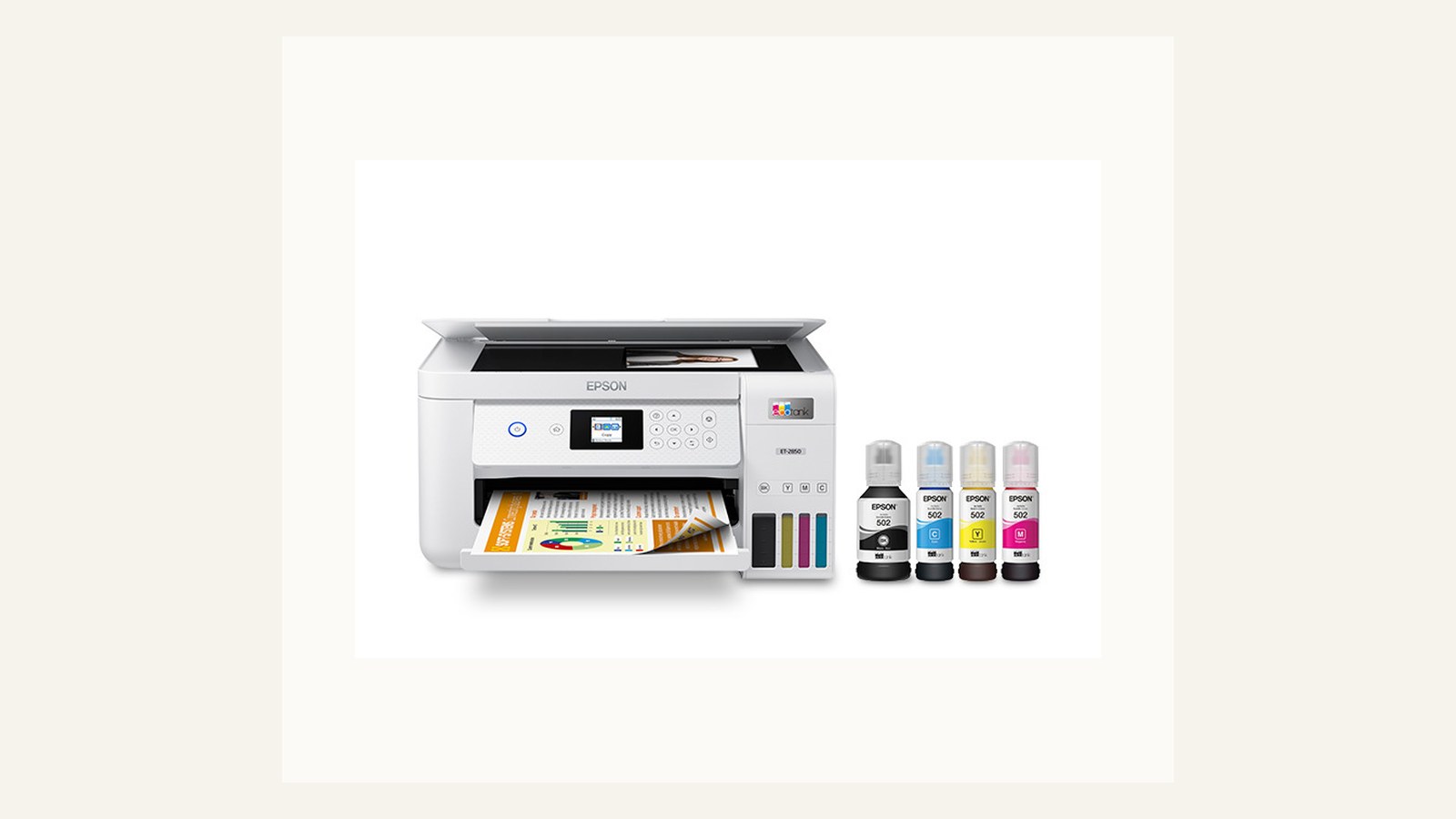
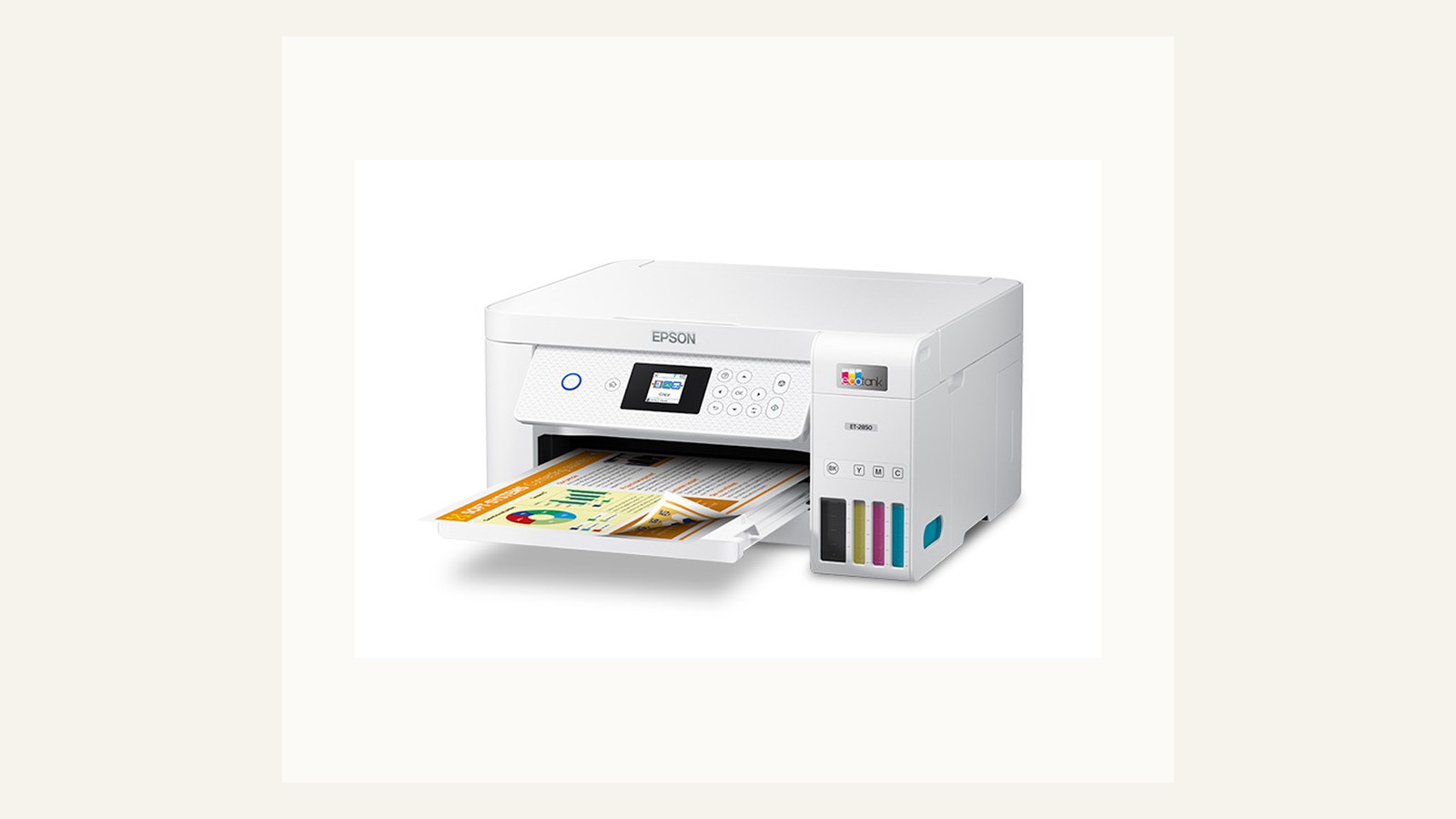
Compact office printers should be judged by daily workflow friction, not just quoted page speed or headline purchase price. The aim is to help a small team make a durable decision rather than chase a spec sheet or a temporary price badge. We use public evidence and practical ownership questions because office electronics are judged after the box is opened, not on the product grid.
The source set for this revision includes Brother HL-L2400DW official page, Canon MAXIFY GX3050 official page, Epson EcoTank ET-2850 official page. Manufacturer pages are useful for specifications and support promises, but Burgiss Waring also weighs setup ownership, replacement friction, and whether a non-specialist can keep the device useful. For site-level standards, see About Burgiss Waring and our editorial policy.
Quick verdict
Choose the printer with the cleanest duplex handling, accessible consumables, and clear support path before chasing the lowest upfront price. The best purchase is the one that creates fewer interruptions across the next year. That means the support page, cable plan, consumable path, warranty wording, and daily handover are part of the decision, even when a cheaper device has similar headline specifications.
| Evaluation factor | Why it matters | Weight |
|---|---|---|
| Workflow fit | The device must solve a real office job, not a vague upgrade wish. | High |
| Setup friction | Shared gear fails when only one person knows how it works. | High |
| Support clarity | Public documentation and replacement guidance reduce downtime. | High |
| Ownership cost | Consumables, accessories, batteries, and downtime change the real price. | Medium |
How we read this category
We read compact office printers as shared workflow equipment. Page speed, price, and small footprint matter, but they do not decide whether the printer is calm to own. The device has to handle the documents the team prints most often, sit where pages can be collected, expose consumables clearly, and have a support path that survives staff changes. Official pages are used for model and support evidence; the final score comes from setup friction, duplex behaviour, document mix, and whether the printer can be maintained by more than one person.
A useful shortlist should slow the buyer down in the right places. Before purchase, write down who owns setup, what failure would interrupt work, where documentation lives, and what accessory or consumable is needed first. If those answers are missing, the shortlist is not ready.
Shortlist notes
Epson EcoTank ET-2850 desk fit
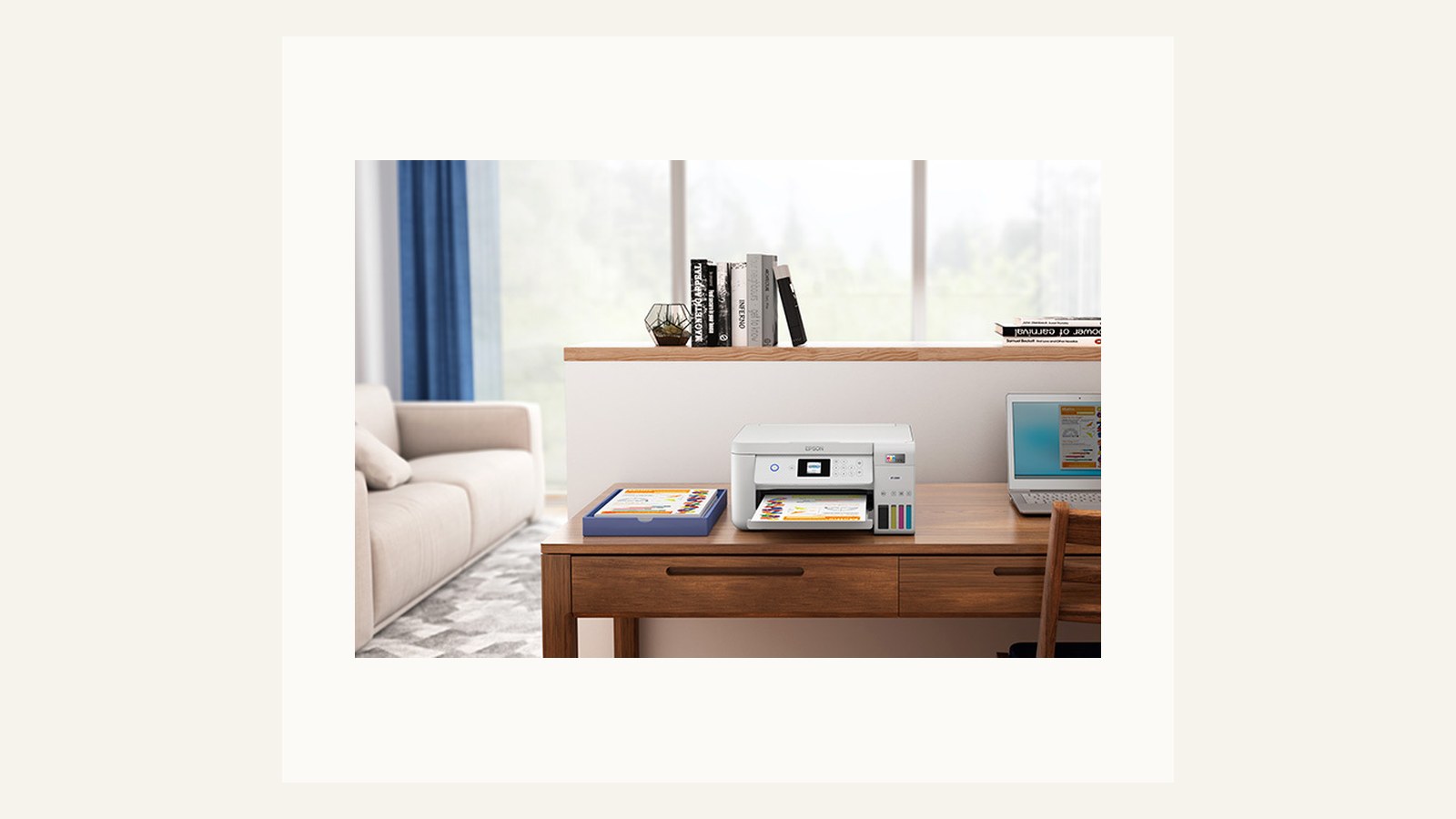
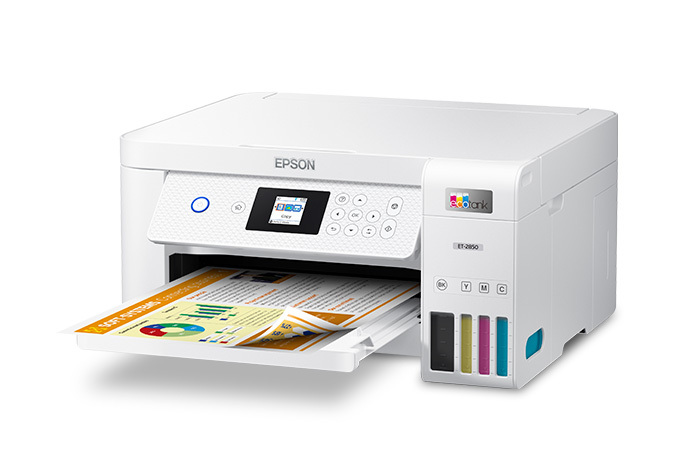
The EcoTank reference is useful for understanding compact ink-tank ownership, but the office should still compare it with mono laser and business inkjet alternatives. Desk fit includes tray access, paper storage, refill space, Wi-Fi reliability, and whether the device can sit where people naturally collect pages.
Before approving this kind of printer, run the documents that actually move through the office: invoices, labels, colour reference sheets, and duplex PDFs. If the printer needs to be moved, opened awkwardly, or supervised for common jobs, the desk fit is not right even if the footprint looks small.
Epson EcoTank ET-2850 ink ownership
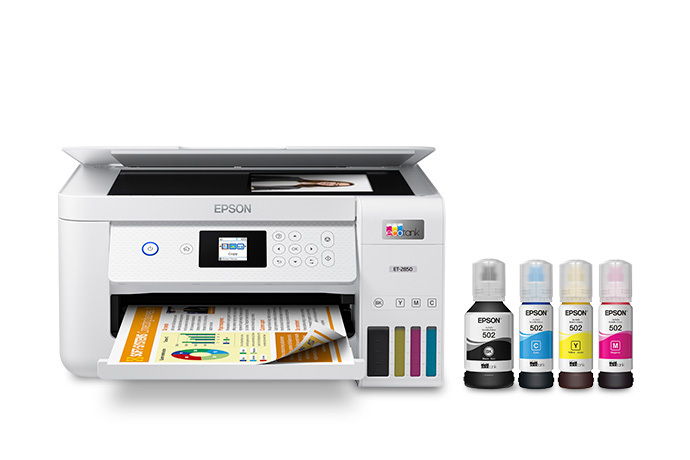
Ink ownership is the main reason to consider an EcoTank-style device. It can reduce cartridge anxiety, but it also changes the maintenance conversation. The team needs a clean refill place, a record of ink references, and a habit of checking print quality before an urgent job.
The comparison should include how often colour is truly needed. If colour pages are rare, a mono laser plus an occasional outsourced colour job may be calmer. If colour handouts are routine, the ink-tank path becomes more persuasive, provided support and refill discipline are clear.
Epson EcoTank ET-2850 output handling
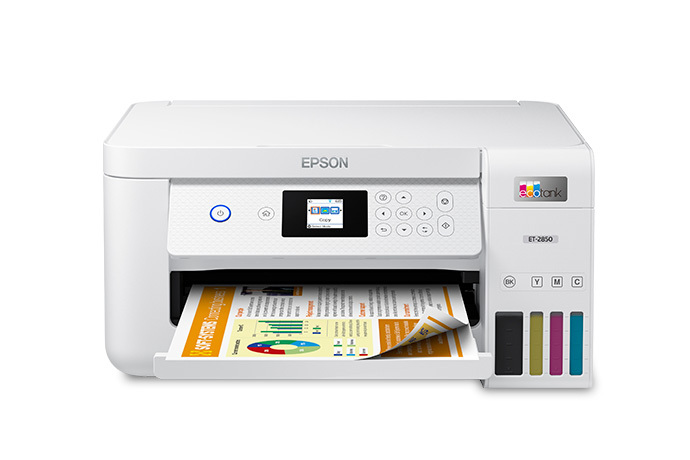
Output handling is where compact printers often reveal their limits. Check duplex reliability, tray capacity, paper curl, and how pages sit when several people print close together. A shared printer that drops pages onto a cramped desk can create more interruptions than its quoted speed suggests.
The office should also test the first-page wait and driver prompts. If users need to confirm settings repeatedly, or if duplex output changes unexpectedly between laptops, support friction will be higher than the purchase price implies.
Shared printer ownership plan
A shared printer ownership plan should name the device owner, the support page, the consumable references, and the restart process. Without that plan, the printer becomes a shared dependency maintained by whoever complains first.
This is also where the team decides when not to print. Digital signing, shared PDFs, and batch printing can reduce pressure on a small device. A better printer helps, but a clearer document workflow can reduce the number of urgent print jobs that make a compact printer feel inadequate.
Ownership and support signals
Support clarity is not a small detail. Public driver pages, manuals, firmware notes, warranty wording, battery guidance, and replacement accessories determine whether a device remains useful after the original buyer is busy. When a page is polished but support evidence is vague, we lower confidence.
The strongest ownership pattern is simple: name the device owner, save the official support page, record model numbers, and decide what will happen when the device fails during a normal workday. This habit matters for every category on Burgiss Waring because most office electronics are shared by people who did not choose them.
Common mistakes to avoid
The first mistake is buying around a single impressive number. Print speed, camera resolution, port count, VA rating, screen size, or battery runtime can matter, but none of them replaces workflow fit. The second mistake is treating a sale as a decision. A lower price can still be expensive when it brings unclear support, poor accessories, or avoidable downtime.
The third mistake is comparing devices without a handover note. If another employee cannot understand how to connect, maintain, restart, refill, or replace the device, the office has bought a dependency rather than a tool.
Practical buying note
Before ordering, write a one-page ownership note for the device. Include the exact model name, the official support page, required cables or supplies, where receipts are stored, and the person who decides when the device is replaced. This small document prevents a common small-office failure: the team remembers why a device was bought, but not how it should be maintained. It also keeps future comparisons honest, because the next purchase can be judged against a real workflow rather than a memory of the old problem.
Procurement acceptance check
Before a printer is approved, print the documents that cause the most office friction: duplex invoices, dense PDFs, return labels, colour handouts, and a scan-copy job if the device includes scanning. Note warm-up time, tray handling, driver prompts, paper curl, and where consumables are stored. The buyer should also save the support page and the exact replacement ink or toner reference. A printer with a lower shelf price is not a better office printer if the team cannot maintain it without asking the same person every time.
Printer acceptance workflow
Run the printer from at least two laptops and one phone or tablet if mobile printing matters. Print a dense PDF, a duplex invoice, a return label, and a colour page. Then scan or copy one ordinary office document if the device includes that function. The point is not to create a lab benchmark; it is to catch the friction that will annoy the team every week.
The ownership note should include the exact model, support page, ink or toner references, default paper size, Wi-Fi name, and where receipts are stored. Put the note where a non-specialist can find it. A printer that only one person can maintain is not a shared office printer; it is a hidden dependency.
Pause the purchase if the shortlist contains only one technology. A compact office printer decision should at least compare mono laser, refillable inkjet, and multifunction tradeoffs against the real document mix. The cheapest device wins only after the workflow and support checks are passed.
Scoring worksheet for a compact printer
Score document fit first. Full credit means the office has tested invoices, labels, dense PDFs, colour reference pages, and duplex documents. Partial credit means the device fits the broad category but has not been tried against the real document set. No credit means the shortlist is built from speed and price alone. A compact printer should be judged by the jobs that cause interruptions, not by a clean one-page sample.
Score shared ownership next. The printer should have a named owner, saved support page, supply references, paper rule, and restart note. If only one person knows how to refill, reconnect, or clear errors, the device is not ready for a shared desk. A slightly slower printer can be the better office choice when the maintenance path is obvious.
Score technology tradeoff last. Compare mono laser, refillable inkjet, and multifunction paths against the document mix. Do not let the product image set narrow the decision to one technology. Refresh the shortlist when colour needs change, consumables become harder to buy, driver support weakens, or the office repeatedly avoids the printer for jobs it was meant to handle. The best printer is the one people can use without turning a routine document into a support request.
Where to go next
Use this article with the adjacent Burgiss Waring guides: laser vs inkjet office office electronics price watch support index office electronics document scanner vs multifunction printer Keep the support index, the deals desk, the printer shortlist, and the network stack guide open when a purchase touches more than one device category.
For procurement teams, the final check is consistency. Use the same scoring language across every shortlisted device: what job it performs, what support evidence exists, what extra parts are needed, and what happens when it fails. This prevents a monitor, printer, router, UPS, webcam, or headset from being approved for different reasons that cannot be compared later.
Edge cases before approval
Check where the printer will live during messy jobs. Refilling ink, replacing toner, clearing paper, scanning forms, and collecting several people's pages all require space. A compact device that fits the desk while idle may still be awkward when the tray is open or supplies are being changed. Measure operating space, not just storage footprint.
Also decide how confidential pages are handled. Shared printers can expose payroll, contracts, customer forms, or HR documents if output sits in a public tray. If sensitive printing is common, the team may need a placement change, a pull-print workflow, or a rule that certain documents are printed only by the owner. Privacy belongs in the printer decision.
Final procurement note
Approve the printer only when setup, supplies, privacy, and recovery are documented. The final note should include the exact model, supply references, support page, default paper settings, and how sensitive output is handled. A shared printer becomes reliable when ordinary users can recover ordinary faults.
For refresh planning, track support requests rather than age alone. Repeated driver confusion, supply mistakes, paper jams, or privacy workarounds are signs the device no longer fits the office. If the printer still works but changes the team's behaviour for the worse, it is already costing time.
FAQ
Is a laser printer always better for a small office?
No. A mono laser printer is often the calmer choice for routine text documents, but an ink tank can make sense when colour documents are regular and the team accepts a different maintenance pattern. Match the device to document mix before choosing the print technology.
How often should a small office refresh shared electronics?
Refresh timing should follow support risk, not a fixed calendar. Replace earlier when drivers, batteries, consumables, or firmware support become unreliable. If a device still has clear support documentation, available accessories, and no recurring workflow problems, it can remain in service longer.
Should we buy the cheapest option if the specifications match?
Not automatically. Similar specifications can hide different support paths, setup effort, consumable costs, and downtime risk. A slightly more expensive device is often the better value when it is easier to maintain and easier for non-specialists to use.
Do affiliate links affect Burgiss Waring rankings?
No. Commercial availability is separate from editorial scoring. We may earn commissions from some outbound links, but rankings are based on workflow fit, support clarity, ownership cost, and documented buyer risk.