Laser and inkjet printers solve different office problems, so the right choice depends on document mix, maintenance appetite, and support clarity. The aim is to help a small team make a durable decision rather than chase a spec sheet or a temporary price badge. We use public evidence and practical ownership questions because office electronics are judged after the box is opened, not on the product grid.
The source set for this revision includes Brother HL-L2400DW official page, Canon MAXIFY GX3050 official page, Epson EcoTank ET-2850 official page. Manufacturer pages are useful for specifications and support promises, but Burgiss Waring also weighs setup ownership, replacement friction, and whether a non-specialist can keep the device useful. For site-level standards, see About Burgiss Waring and our editorial policy.
Quick verdict
Choose laser for frequent text documents and queue predictability; choose inkjet when colour output and refill economics matter more than peak simplicity. The best purchase is the one that creates fewer interruptions across the next year. That means the support page, cable plan, consumable path, warranty wording, and daily handover are part of the decision, even when a cheaper device has similar headline specifications.
| Decision point | Laser printer path | Ink tank path |
|---|---|---|
| Best use | Narrow, repeated office work with low ambiguity | Broader flexibility when the team accepts more upkeep |
| Cost risk | Hidden accessories and support gaps | Consumables, setup choices, or workflow sprawl |
| Ownership | Easier when one person can document the process | Better when the team already has a routine |
| When to pause | If support evidence is thin | If the workflow is occasional or poorly defined |
How we read this category
We read laser-versus-inkjet as a maintenance-pattern choice. The category labels are less important than the office's document rhythm: mono pages, colour pages, duplex work, idle periods, labels, scan-copy tasks, and who refills or replaces supplies. Manufacturer pages give useful specification boundaries, but this page treats the print diary, support path, and consumable discipline as the real evidence. We avoid broad claims that one technology is always better because a small office can make either path work when the workload is honest.
A useful shortlist should slow the buyer down in the right places. Before purchase, write down who owns setup, what failure would interrupt work, where documentation lives, and what accessory or consumable is needed first. If those answers are missing, the shortlist is not ready.
Shortlist notes
Ink tank printer reference
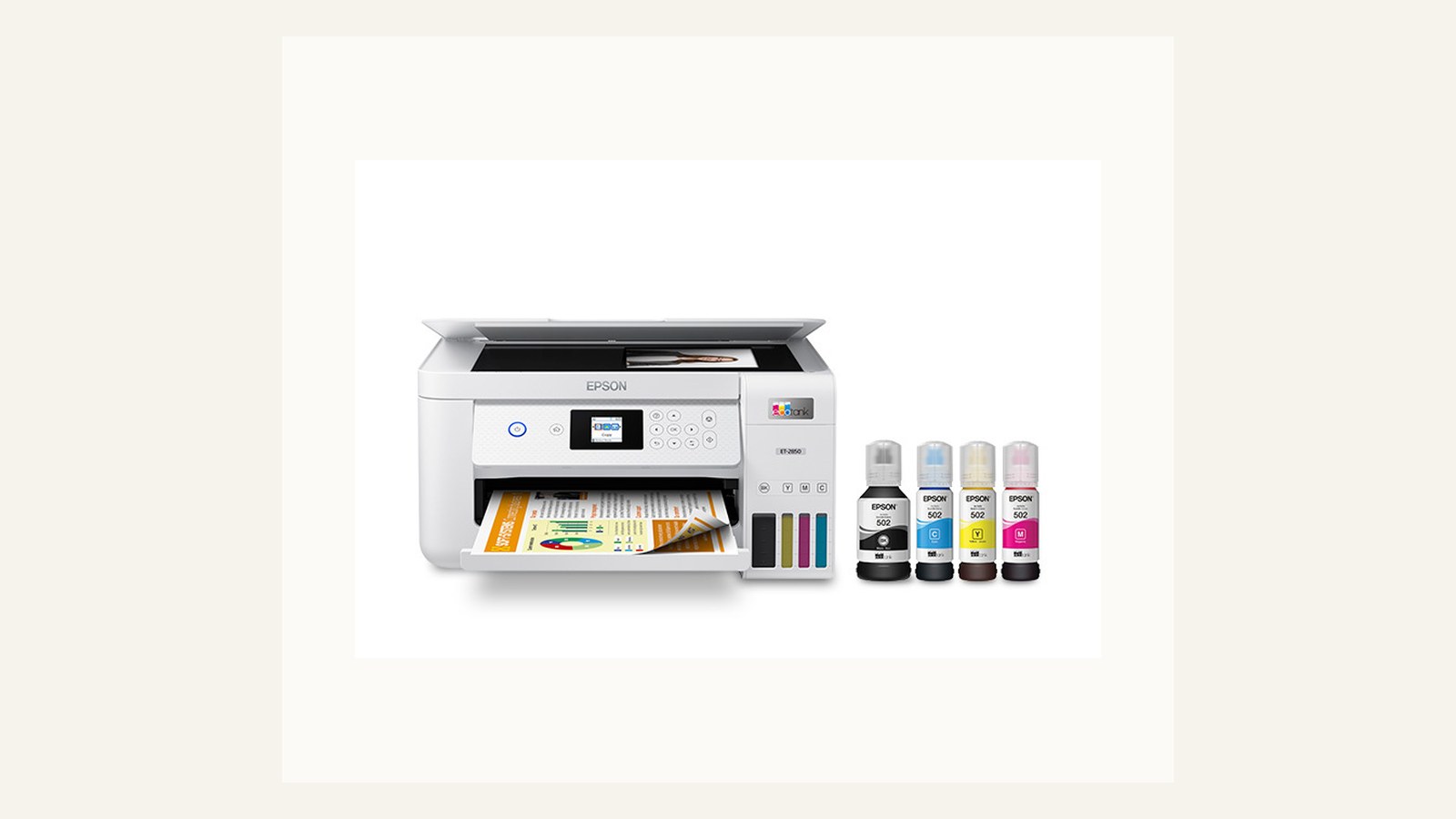
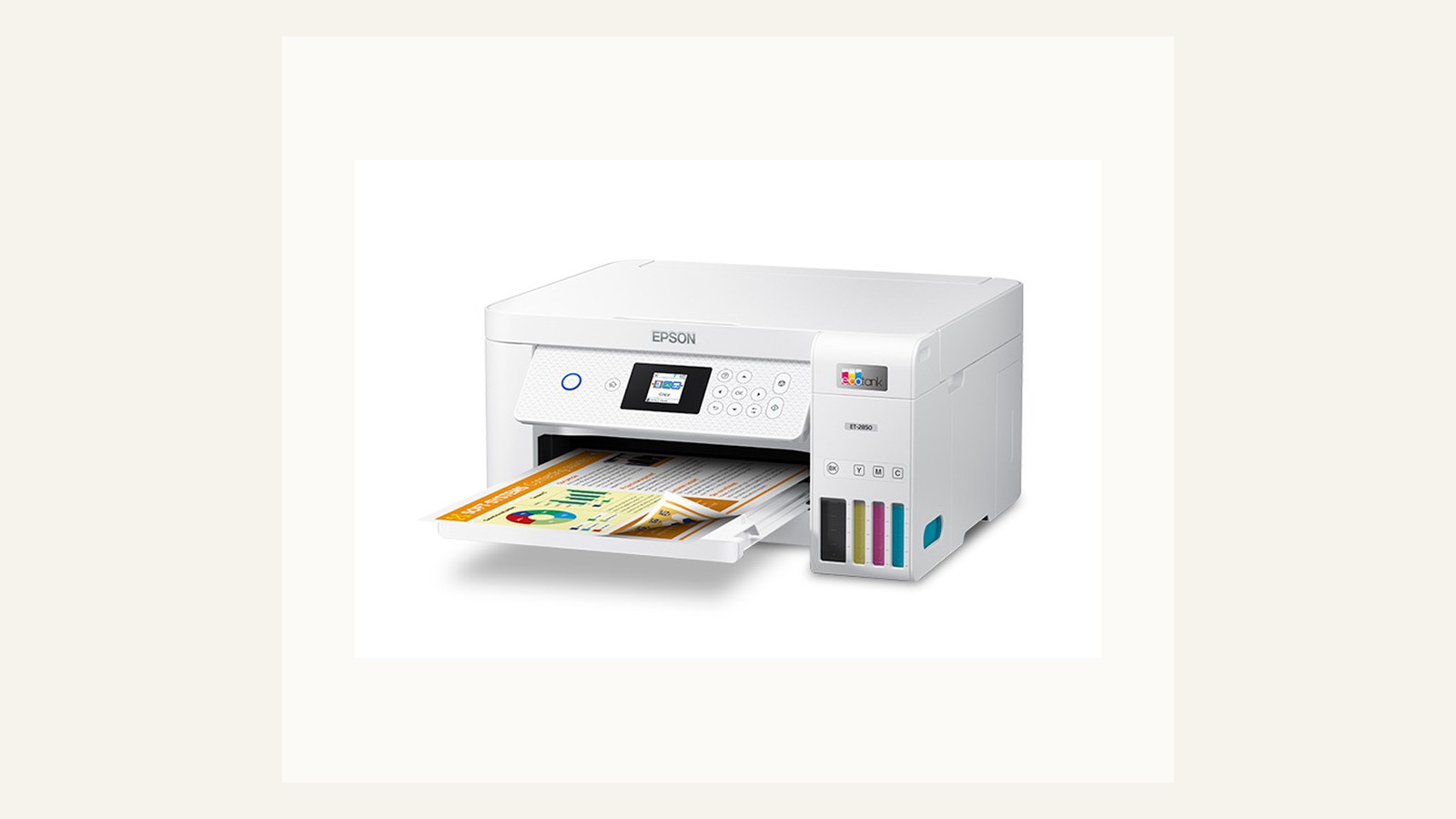
An ink-tank reference is useful because it shows the appeal of low consumable anxiety and visible ink levels, but it should not become a default recommendation for every office. The right question is document mix. Colour handouts, occasional photos, and lower-volume mixed printing can fit an ink-tank model; heavy mono text and unattended print queues often point elsewhere.
Check maintenance expectations before buying. Ink-tank printers can reward regular use, but they still need a person who understands refills, printhead care, and what to do after a long idle period. If the office prints in bursts with long quiet gaps, that pattern should be part of the decision.
Ink tank path
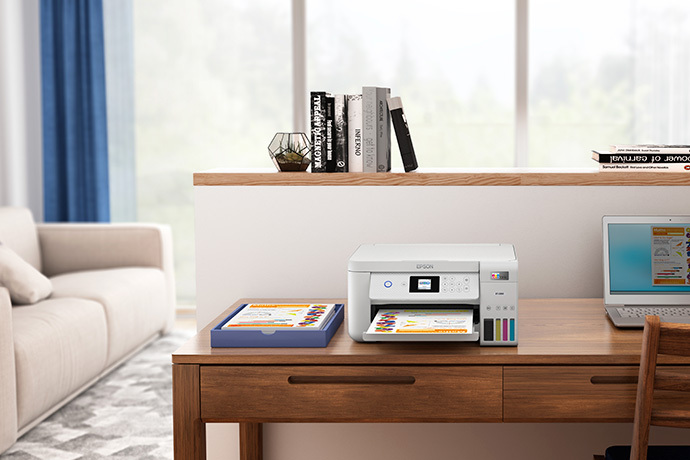
The ink-tank path is strongest when the team prints enough colour to care about ink economics but not so much that a managed print contract makes more sense. It can also be quieter for small desks than a larger office laser device. The tradeoff is that the office must accept a different maintenance routine.
Before choosing inkjet, run the real documents: invoices, return labels, signed forms, slide decks, and any colour pages the team prints repeatedly. Note drying time, duplex behaviour, and whether output sits in the tray without smudging or curling. Those details matter more than a broad laser-versus-inkjet slogan.
All-in-one inkjet path
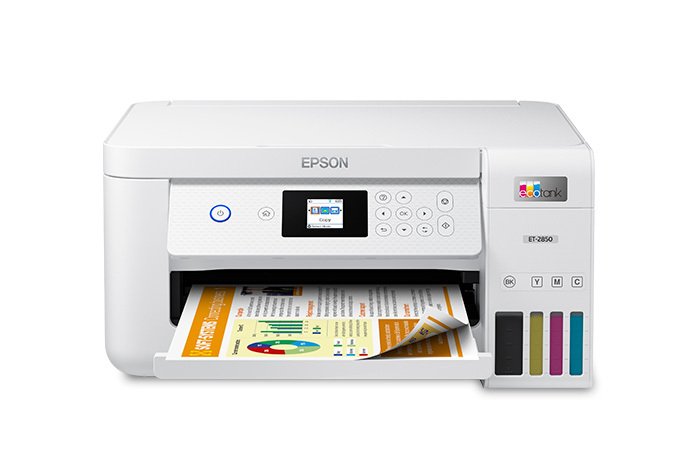
An all-in-one inkjet path adds scanning and copying convenience, but it can also concentrate too many jobs in one compact device. If the same unit is expected to scan paperwork, print labels, copy forms, and produce colour handouts, downtime becomes more disruptive than the purchase price suggests.
Use this path when the team values a simple shared device and can tolerate slower specialised tasks. If scanning is a daily workflow or print queues are constant, separate devices may be calmer. The office should not buy an all-in-one simply because the feature list looks complete.
Technology-neutral buying path
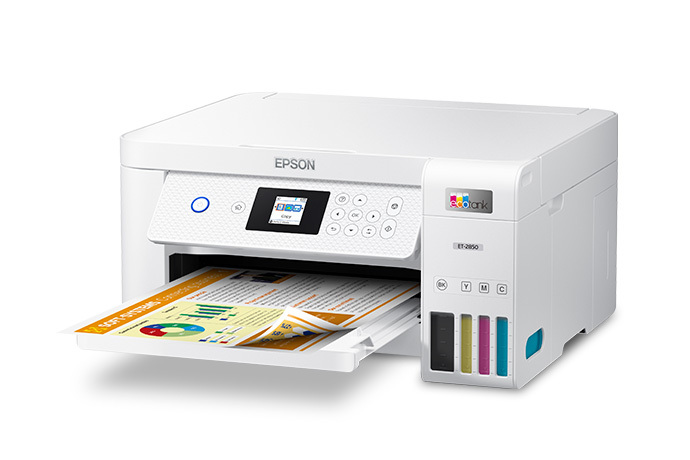
A technology-neutral path starts with the workload. Count mono pages, colour pages, labels, duplex jobs, scan jobs, and the number of people who will use the printer without help. Then compare laser and inkjet against that list instead of choosing the category first.
This approach prevents two common mistakes: assuming laser is always more professional, or assuming ink tanks always win on running cost. Both can be wrong in the wrong office. The calmer buy is the one with fewer support surprises for the actual document mix.
Ownership and support signals
Support clarity is not a small detail. Public driver pages, manuals, firmware notes, warranty wording, battery guidance, and replacement accessories determine whether a device remains useful after the original buyer is busy. When a page is polished but support evidence is vague, we lower confidence.
The strongest ownership pattern is simple: name the device owner, save the official support page, record model numbers, and decide what will happen when the device fails during a normal workday. This habit matters for every category on Burgiss Waring because most office electronics are shared by people who did not choose them.
Common mistakes to avoid
The first mistake is buying around a single impressive number. Print speed, camera resolution, port count, VA rating, screen size, or battery runtime can matter, but none of them replaces workflow fit. The second mistake is treating a sale as a decision. A lower price can still be expensive when it brings unclear support, poor accessories, or avoidable downtime.
The third mistake is comparing devices without a handover note. If another employee cannot understand how to connect, maintain, restart, refill, or replace the device, the office has bought a dependency rather than a tool.
Practical buying note
Before ordering, write a one-page ownership note for the device. Include the exact model name, the official support page, required cables or supplies, where receipts are stored, and the person who decides when the device is replaced. This small document prevents a common small-office failure: the team remembers why a device was bought, but not how it should be maintained. It also keeps future comparisons honest, because the next purchase can be judged against a real workflow rather than a memory of the old problem.
Procurement acceptance check
Run a one-week print sample before choosing the technology. Count mono invoices, colour proofs, envelopes, labels, and scan-copy jobs separately, then price the consumables for that mix rather than for a theoretical monthly page count. The office owner should also record where paper jams are cleared, how drivers are installed, and who approves replacement ink or toner. Laser can be the calmer text choice and ink tank can be the cheaper colour path, but the right answer depends on the documents the team actually prints.
Printer technology acceptance workflow
Build a one-week print diary before ordering. The diary does not need to be perfect; it needs to show whether the office mostly prints mono text, colour reference pages, labels, contracts, or scan-copy jobs. Use that diary to choose the acceptance test. A printer that handles the diary calmly is a better fit than a device with a more exciting product page.
The test should include setup from a clean laptop, printing from the most common app, duplex output, a dense PDF, and a support lookup. Save the driver page and consumable references in the office ownership note. If the device needs a special app or account, write down who manages it and what happens when that person leaves.
Pause the purchase if the argument has become ideological. Laser and inkjet are not identities; they are maintenance patterns. Choose the one that fits the team's document rhythm, support tolerance, and consumable discipline.
Scoring worksheet for printer technology
Score workload match first. Full credit means the team has counted a representative week of print jobs and can explain why laser or inkjet fits that mix. Partial credit means the decision is based on a common pattern, such as mostly mono invoices or regular colour handouts, but has not been tested. No credit means the choice is based on a category slogan. Laser and inkjet both become expensive when the workload assumption is wrong.
Score maintenance tolerance next. Laser devices may suit steady mono text and predictable toner replacement; ink-tank or inkjet devices may suit mixed colour work and lower cartridge anxiety. The office should know who handles supplies, where references are stored, and what happens after idle periods or print-quality problems. A device that saves money only when one careful person maintains it is a weak shared-office fit.
Score failure impact last. If a printer supports labels, invoices, signed forms, and customer documents, downtime is costly even when page volume is modest. The acceptance note should include driver links, consumables, restart steps, and a fallback plan for urgent documents. Refresh the choice when document mix changes, supplies become harder to source, driver support weakens, or the office repeatedly works around the printer instead of using it normally.
Where to go next
Use this article with the adjacent Burgiss Waring guides: office printers office electronics price watch document scanner vs multifunction printer support index office electronics Keep the support index, the deals desk, the printer shortlist, and the network stack guide open when a purchase touches more than one device category.
For procurement teams, the final check is consistency. Use the same scoring language across every shortlisted device: what job it performs, what support evidence exists, what extra parts are needed, and what happens when it fails. This prevents a monitor, printer, router, UPS, webcam, or headset from being approved for different reasons that cannot be compared later.
Edge cases before approval
Check labels, envelopes, and forms separately from ordinary documents. These jobs often decide whether a printer feels reliable, even when page volume is low. A laser device may handle some office forms calmly; an inkjet may be better for colour reference pages; neither should be approved until the awkward jobs have been tried.
Also decide how the office treats long idle periods. A printer that sits unused for weeks has different risks from one that prints every day. If the team has seasonal bursts, the ownership note should include a quick print-quality check before busy periods. The right printer is not only the one with the lowest running cost; it is the one that recovers cleanly when the office rhythm changes.
Final procurement note
Approve the printer technology only after the print diary and acceptance test agree. The final note should say why the office chose laser, inkjet, ink tank, or all-in-one, and which document types drove the choice. That note prevents the next refresh from starting with the same generic debate.
For refresh planning, track supply surprises and document exceptions. If labels, colour sheets, or duplex forms keep pushing the team outside the chosen workflow, the technology choice may be wrong even when the device is not technically broken.
FAQ
Which printer type has lower running cost?
It depends on volume and document mix. A mono laser can be efficient for text-heavy work, while ink tanks can be attractive for regular colour output. Compare the supplies your team will actually use, not only the marketing claim beside the product name.
How often should a small office refresh shared electronics?
Refresh timing should follow support risk, not a fixed calendar. Replace earlier when drivers, batteries, consumables, or firmware support become unreliable. If a device still has clear support documentation, available accessories, and no recurring workflow problems, it can remain in service longer.
Should we buy the cheapest option if the specifications match?
Not automatically. Similar specifications can hide different support paths, setup effort, consumable costs, and downtime risk. A slightly more expensive device is often the better value when it is easier to maintain and easier for non-specialists to use.
Do affiliate links affect Burgiss Waring rankings?
No. Commercial availability is separate from editorial scoring. We may earn commissions from some outbound links, but rankings are based on workflow fit, support clarity, ownership cost, and documented buyer risk.