A document scanner and a multifunction printer can both digitise paperwork, but they solve different office intake problems. The aim is to help a small team make a durable decision rather than chase a spec sheet or a temporary price badge. We use public evidence and practical ownership questions because office electronics are judged after the box is opened, not on the product grid.
The source set for this revision includes Ricoh ScanSnap iX1600 official page, Brother ADS-1800W datasheet, Canon imageFORMULA R40 support page, Epson WorkForce ES-580W support page. Manufacturer pages are useful for specifications and support promises, but Burgiss Waring also weighs setup ownership, replacement friction, and whether a non-specialist can keep the device useful. For site-level standards, see About Burgiss Waring and our editorial policy.
Quick verdict
Choose a document scanner for repeated paper intake; choose a multifunction printer when scanning is occasional and print/copy convenience matters more. The best purchase is the one that creates fewer interruptions across the next year. That means the support page, cable plan, consumable path, warranty wording, and daily handover are part of the decision, even when a cheaper device has similar headline specifications.
| Decision point | Dedicated document scanner | Multifunction printer scanner |
|---|---|---|
| Best use | Narrow, repeated office work with low ambiguity | Broader flexibility when the team accepts more upkeep |
| Cost risk | Hidden accessories and support gaps | Consumables, setup choices, or workflow sprawl |
| Ownership | Easier when one person can document the process | Better when the team already has a routine |
| When to pause | If support evidence is thin | If the workflow is occasional or poorly defined |
How we read this category
We read scanner choices as paper-flow decisions. The device is only one part of the system; the office also needs preparation space, file naming, destination folders, quality control, and a disposal rule for originals. Official pages help with feeder, duplex, software, and support evidence, but the right answer depends on how often documents arrive and who must retrieve them later. A multifunction printer can be enough for light scanning, while a dedicated scanner becomes easier to justify when paperwork is frequent, double-sided, or sensitive.
A useful shortlist should slow the buyer down in the right places. Before purchase, write down who owns setup, what failure would interrupt work, where documentation lives, and what accessory or consumable is needed first. If those answers are missing, the shortlist is not ready.
Shortlist notes
Dedicated document scanner
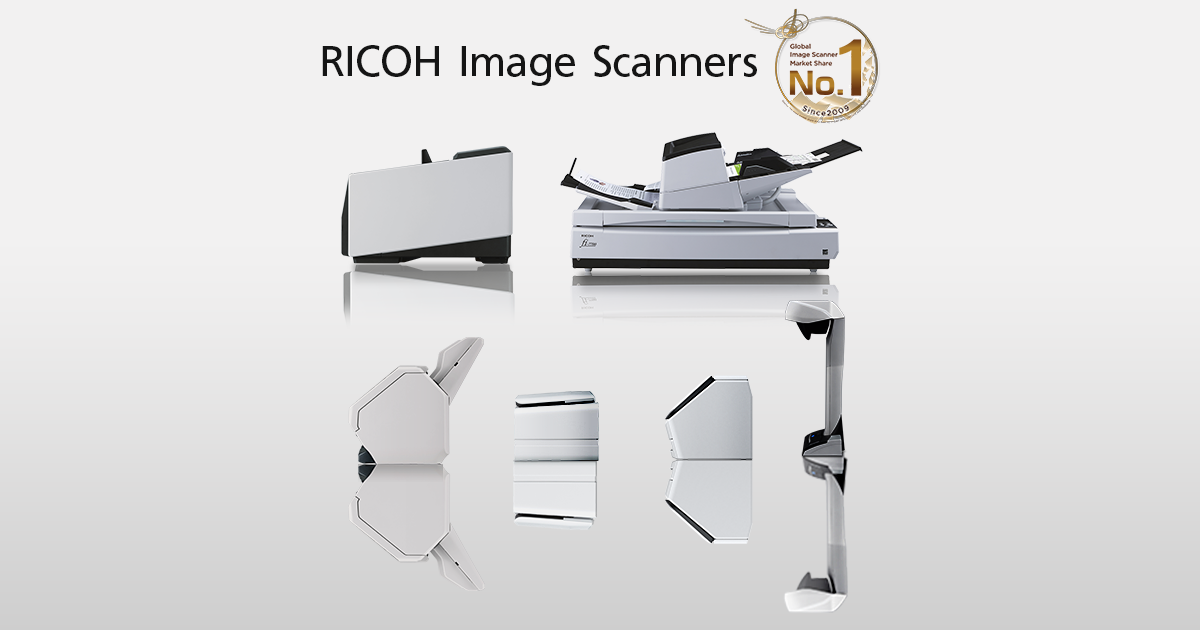
A dedicated scanner is the cleaner choice when documents are frequent, multi-page, and time-sensitive. The decision should focus on feed reliability, double-sided handling, scan-to-folder options, and the support path for drivers and rollers. A compact scanner that saves five minutes every day can be easier to justify than a multifunction device that is always busy printing.
Do not approve a scanner only because it has a high daily duty figure. Ask who prepares documents, where originals sit, where scanned files land, and how errors are corrected. If nobody owns naming conventions or folder permissions, a fast scanner will still create a messy archive.
Multifunction printer scanner
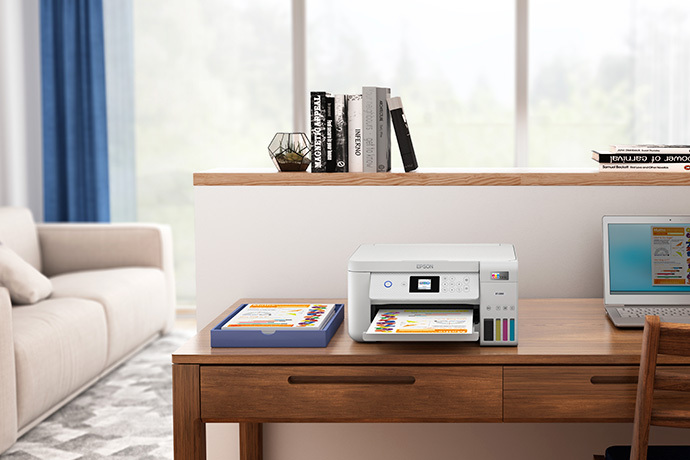
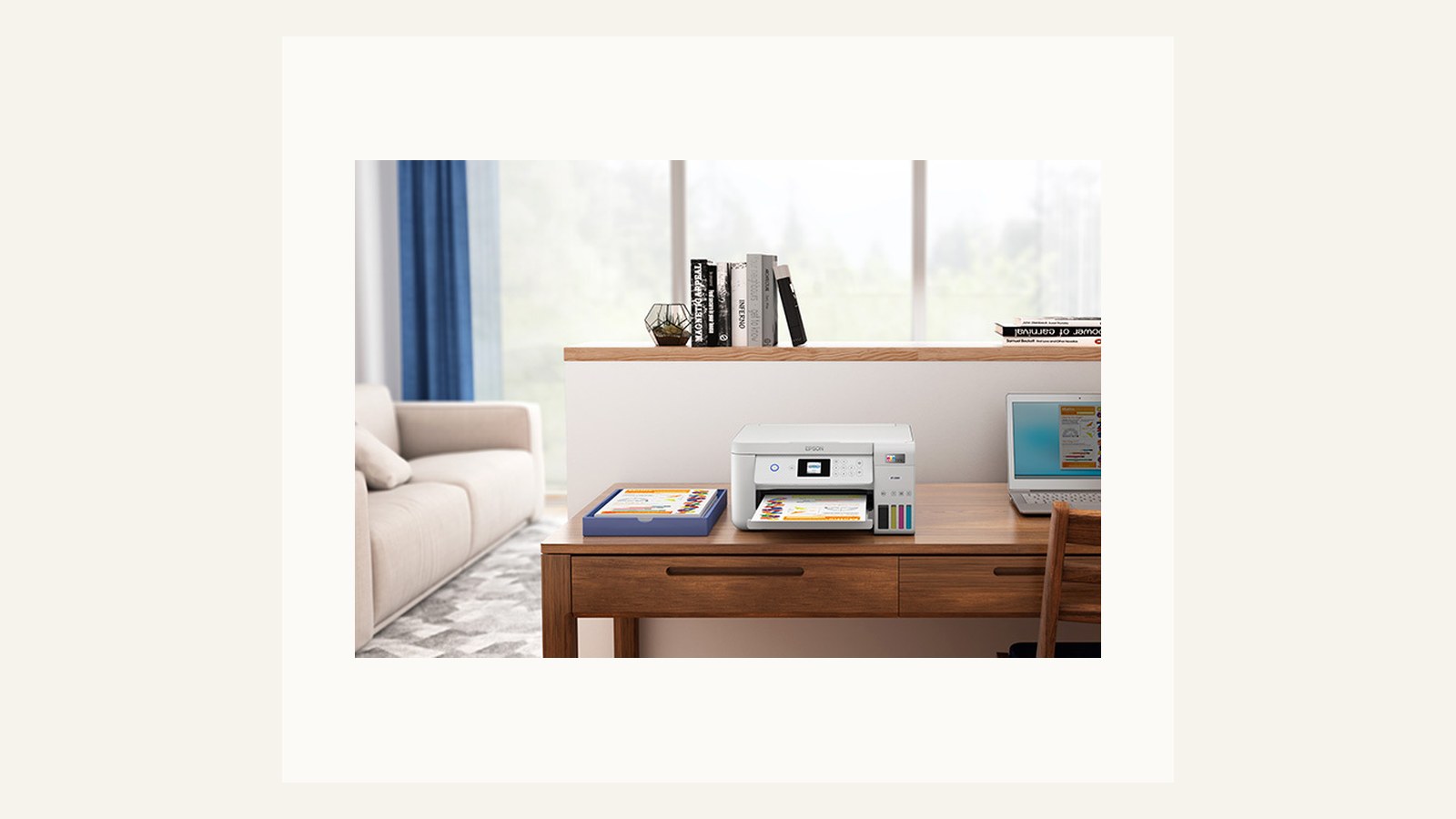
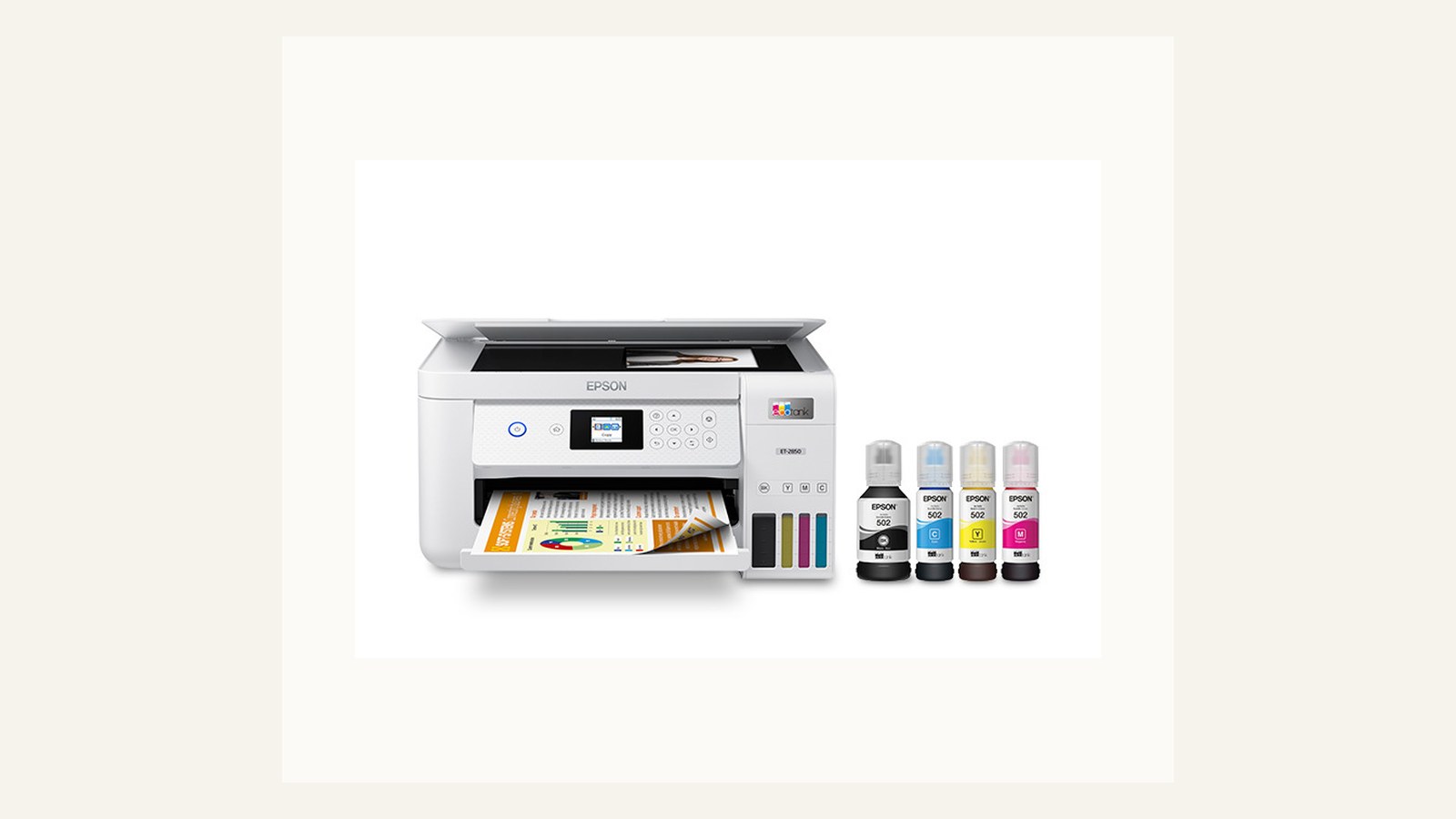
A multifunction printer scanner is practical when scanning is occasional and the team values one shared device over a faster paper workflow. It keeps the desk simpler, but it also ties scan availability to printer availability, driver state, and queue interruptions. That tradeoff is fine when documents are light; it is frustrating when scanning becomes a daily job.
Use this path when the acceptance test includes real documents, not a single clean page. Try crumpled receipts, stapled packs after staples are removed, ID copies, and duplex documents. If the team starts walking away during the test, the scanner function is too slow for the job it is being asked to do.
Portable scanner path
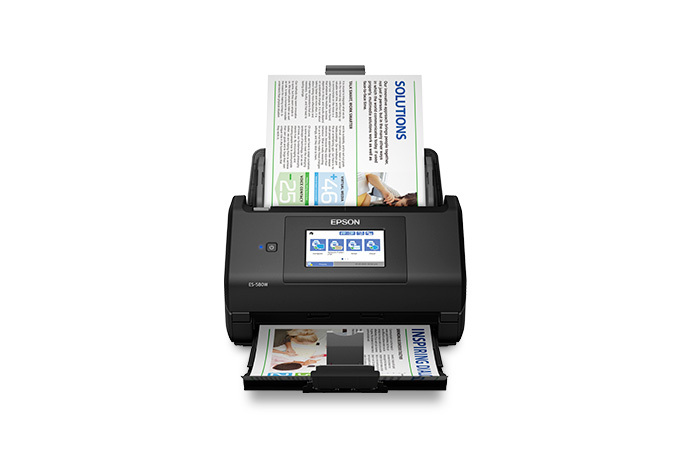
A portable scanner path is for distributed work, small archives, or teams that need a device near the person handling paperwork. The benefit is placement flexibility. The risk is weaker handover: cables, software, calibration sheets, and storage locations become easy to lose.
Before choosing this route, decide whether the scanner belongs to a person or the office. If it travels with one employee, write that into the procurement note. If it is shared, give it a labeled case and a fixed storage point. Portable gear fails most often when it is treated as both personal and communal.
Paperwork station plan
The paperwork station matters because scanning is rarely just scanning. It includes document prep, naming, quality check, disposal, and retrieval. A small tray, clear file naming rule, and a visible support note can reduce more friction than a faster quoted scan speed.
Build the station around the documents that cause the office pain: supplier invoices, signed forms, delivery notes, expense receipts, or HR records. If the scanner choice does not make those jobs easier, the purchase is solving a category label rather than a workflow.
Ownership and support signals
Support clarity is not a small detail. Public driver pages, manuals, firmware notes, warranty wording, battery guidance, and replacement accessories determine whether a device remains useful after the original buyer is busy. When a page is polished but support evidence is vague, we lower confidence.
The strongest ownership pattern is simple: name the device owner, save the official support page, record model numbers, and decide what will happen when the device fails during a normal workday. This habit matters for every category on Burgiss Waring because most office electronics are shared by people who did not choose them.
Common mistakes to avoid
The first mistake is buying around a single impressive number. Print speed, camera resolution, port count, VA rating, screen size, or battery runtime can matter, but none of them replaces workflow fit. The second mistake is treating a sale as a decision. A lower price can still be expensive when it brings unclear support, poor accessories, or avoidable downtime.
The third mistake is comparing devices without a handover note. If another employee cannot understand how to connect, maintain, restart, refill, or replace the device, the office has bought a dependency rather than a tool.
Practical buying note
Before ordering, write a one-page ownership note for the device. Include the exact model name, the official support page, required cables or supplies, where receipts are stored, and the person who decides when the device is replaced. This small document prevents a common small-office failure: the team remembers why a device was bought, but not how it should be maintained. It also keeps future comparisons honest, because the next purchase can be judged against a real workflow rather than a memory of the old problem.
Procurement acceptance check
Before choosing between a scanner and a multifunction printer, run one real document batch from start to finish. Include mixed receipts, double-sided paperwork, stapled pages after staples are removed, and the exact destination folder or cloud service the office will use. Time the scan, note every prompt that a non-specialist must understand, and confirm how file naming works when the regular owner is absent. A dedicated scanner is easier to justify when this trial exposes repeated feeder, naming, or routing friction that a shared printer cannot solve cleanly.
Scanning acceptance workflow
Run the acceptance test with the office's worst paperwork, not a clean marketing sample. Use a ten-page duplex pack, thin receipts, a form with signatures, and a document that must be named and stored correctly. Time the whole workflow from paper pile to retrievable file, including correction when a page feeds badly.
The decision should also cover privacy. Decide who may scan sensitive documents, where files land by default, and when originals are shredded or archived. A scanner can create risk when it sends documents to the wrong shared folder or leaves previews visible on a shared computer. Include this in the buying note, especially when finance or HR paperwork is involved.
Pause the purchase if the team cannot name the destination folder, file naming pattern, or support owner. That usually means the problem is process design, not scanner hardware. Choose the device after the paper path is clear.
Scoring worksheet for scanning workflow
Score document flow before hardware. Full credit means the team can describe the paper source, scan destination, file naming pattern, quality check, and original retention rule. Partial credit means the device looks right but the archive process is vague. No credit means the team is buying a scanner to avoid designing the document path. Hardware speed cannot compensate for files landing in the wrong folder.
Score feed reliability against the worst documents. A ten-page duplex pack, receipts, signed forms, and slightly worn originals reveal more than a single clean sample. A dedicated scanner should earn credit when it handles those jobs with fewer pauses and fewer rescans. A multifunction printer earns credit when occasional scanning stays simple enough that users do not queue behind print jobs or abandon the process.
Score privacy and support together. Sensitive paperwork needs controlled destinations and a clear owner. The support note should include driver links, roller or maintenance guidance if relevant, and the recovery step for misfeeds. Refresh the setup when rescans become routine, file naming becomes inconsistent, privacy rules change, or the scanner depends on software that only one laptop can run. The winner is the path that makes paper easier to find later, not the device with the longest feature list.
Where to go next
Use this article with the adjacent Burgiss Waring guides: office printers laser vs inkjet office support index office electronics office electronics price watch Keep the support index, the deals desk, the printer shortlist, and the network stack guide open when a purchase touches more than one device category.
For procurement teams, the final check is consistency. Use the same scoring language across every shortlisted device: what job it performs, what support evidence exists, what extra parts are needed, and what happens when it fails. This prevents a monitor, printer, router, UPS, webcam, or headset from being approved for different reasons that cannot be compared later.
Edge cases before approval
Check the documents that make people nervous: originals that cannot be rescanned, forms with signatures, receipts that curl, and mixed-size packs. If those documents are common, a dedicated scanner with a clearer paper path may be worth more than an all-in-one that technically includes scanning. If those documents are rare, the simpler multifunction route can still be the better office choice.
Also decide what happens when the scanner is unavailable. A paper workflow needs a fallback for urgent invoices, onboarding forms, or signed documents. That fallback can be another device, a phone-scanning rule for emergencies, or a short delay policy. Without a fallback, the scanner becomes a single point of administrative failure.
Final procurement note
Approve the scanner path only when the team can retrieve a document after it has been scanned. The final note should include destination folders, file naming, privacy handling, and what to do with originals. A fast scanner that creates a messy archive has not solved the office problem.
For refresh planning, watch the correction rate. If staff repeatedly rescan pages, rename files manually, or route documents through one person's laptop, the workflow needs attention even if the hardware still powers on. The replacement decision should follow paper friction, not age alone.
FAQ
When is a dedicated document scanner worth it?
A dedicated scanner is worth considering when paperwork arrives regularly, documents need consistent naming or storage, and staff lose time waiting for a printer-based scanner. If scanning is rare, a multifunction printer can be enough.
How often should a small office refresh shared electronics?
Refresh timing should follow support risk, not a fixed calendar. Replace earlier when drivers, batteries, consumables, or firmware support become unreliable. If a device still has clear support documentation, available accessories, and no recurring workflow problems, it can remain in service longer.
Should we buy the cheapest option if the specifications match?
Not automatically. Similar specifications can hide different support paths, setup effort, consumable costs, and downtime risk. A slightly more expensive device is often the better value when it is easier to maintain and easier for non-specialists to use.
Do affiliate links affect Burgiss Waring rankings?
No. Commercial availability is separate from editorial scoring. We may earn commissions from some outbound links, but rankings are based on workflow fit, support clarity, ownership cost, and documented buyer risk.