A QHD USB-C monitor can simplify a desk, but only when power delivery, ports, ergonomics, and support match the work setup. The aim is to help a small team make a durable decision rather than chase a spec sheet or a temporary price badge. We use public evidence and practical ownership questions because office electronics are judged after the box is opened, not on the product grid.
The source set for this revision includes Dell UltraSharp U2724DE official page, BenQ GW2790QT official page, Philips 27B1U5601H official page, Lenovo ThinkVision P27h-30 overview. Manufacturer pages are useful for specifications and support promises, but Burgiss Waring also weighs setup ownership, replacement friction, and whether a non-specialist can keep the device useful. For site-level standards, see About Burgiss Waring and our editorial policy.
Quick verdict
Choose the monitor that improves the desk system, not just the panel. USB-C power, ports, stand ergonomics, and support pages are the deciding details. The best purchase is the one that creates fewer interruptions across the next year. That means the support page, cable plan, consumable path, warranty wording, and daily handover are part of the decision, even when a cheaper device has similar headline specifications.
| Evaluation factor | Why it matters | Weight |
|---|---|---|
| Workflow fit | The device must solve a real office job, not a vague upgrade wish. | High |
| Setup friction | Shared gear fails when only one person knows how it works. | High |
| Support clarity | Public documentation and replacement guidance reduce downtime. | High |
| Ownership cost | Consumables, accessories, batteries, and downtime change the real price. | Medium |
How we read this category
We read QHD USB-C monitors as desk infrastructure. The panel is only part of the decision; laptop compatibility, charging stability, stand ergonomics, cable routing, webcam placement, and wake-from-sleep behaviour can decide whether the desk becomes simpler. Official pages help confirm the monitor class and support route, but an office should score the full desk experience. A monitor that looks strong in isolation can still fail when it acts as an unreliable dock or forces awkward scaling all day.
A useful shortlist should slow the buyer down in the right places. Before purchase, write down who owns setup, what failure would interrupt work, where documentation lives, and what accessory or consumable is needed first. If those answers are missing, the shortlist is not ready.
Shortlist notes
BenQ GW2790QT USB-C desk fit
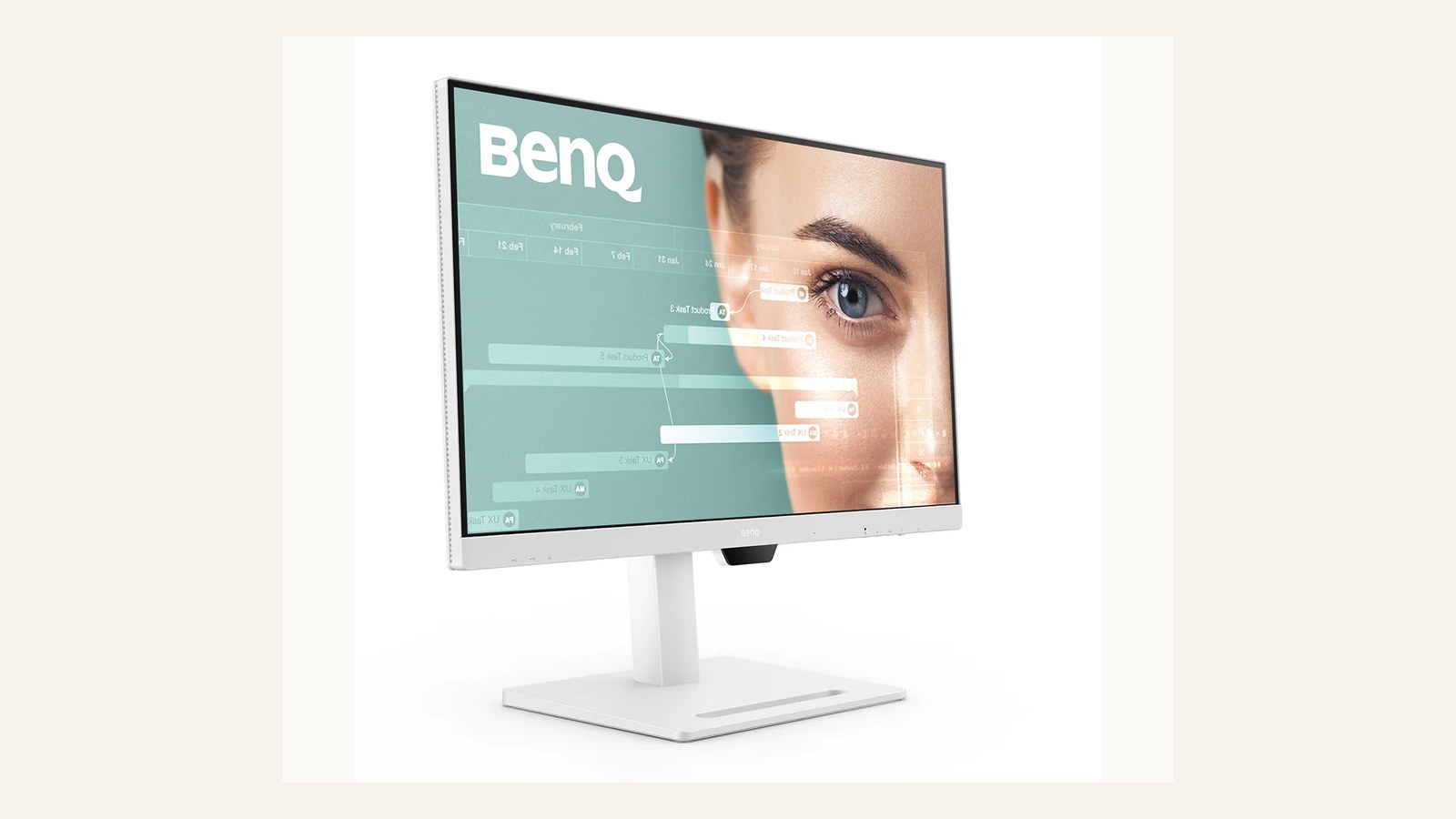
A QHD USB-C monitor should be judged as a desk system, not just a panel. USB-C power delivery, webcam or speaker expectations, stand adjustment, cable routing, and laptop compatibility decide whether the desk feels simpler. The monitor image shows the appeal, but the office needs to confirm the exact laptop fleet and dock expectations.
Before approving, test one Windows laptop and one Mac if the team uses both. Check wake-from-sleep, charging stability, display scaling, and whether the monitor returns to the right input after a meeting-room visit. These everyday behaviours matter more than a small difference in brightness claims.
BenQ GW2790QT workspace setup
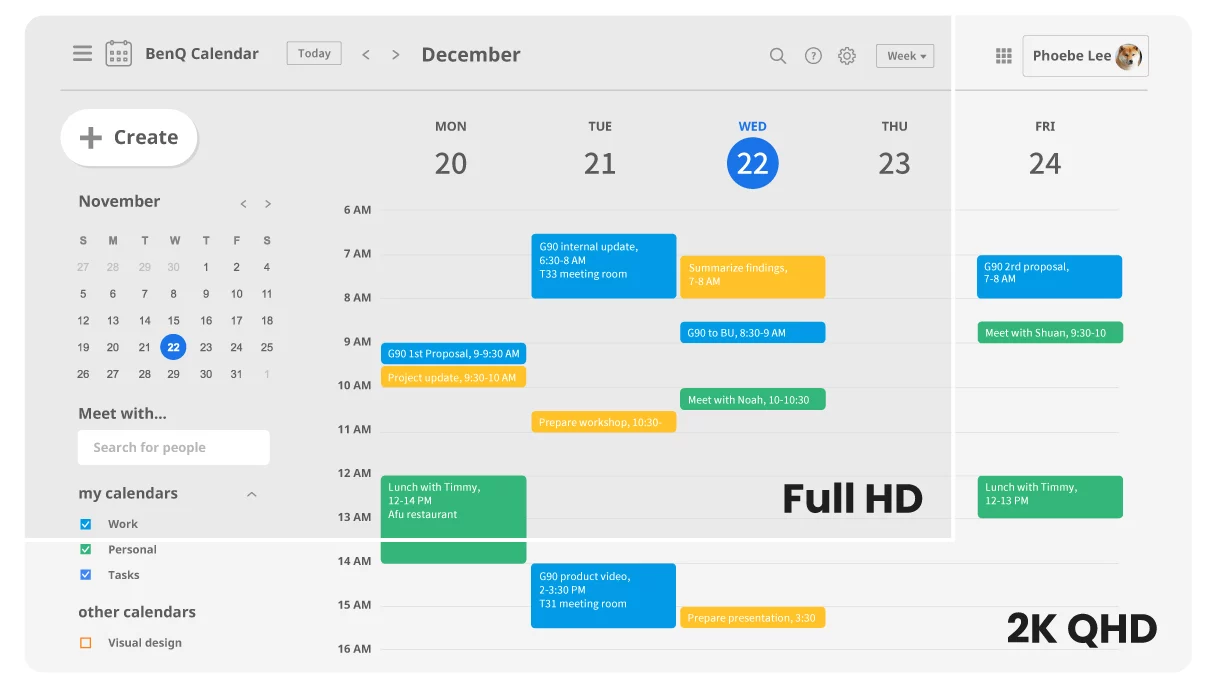
The workspace setup should give people enough room for documents, chat, browser work, and spreadsheet review without forcing awkward scaling. QHD at 27 inches is often a practical middle ground, but it is not automatic. Some users may prefer dual smaller screens; others may need higher resolution for design or dense financial work.
Ask users to work for an hour on the proposed layout. If they immediately enlarge every app or lean forward, the monitor may not fit the task. Ergonomics should be observed, not guessed from a diagonal measurement.
BenQ eye-care and stand setup
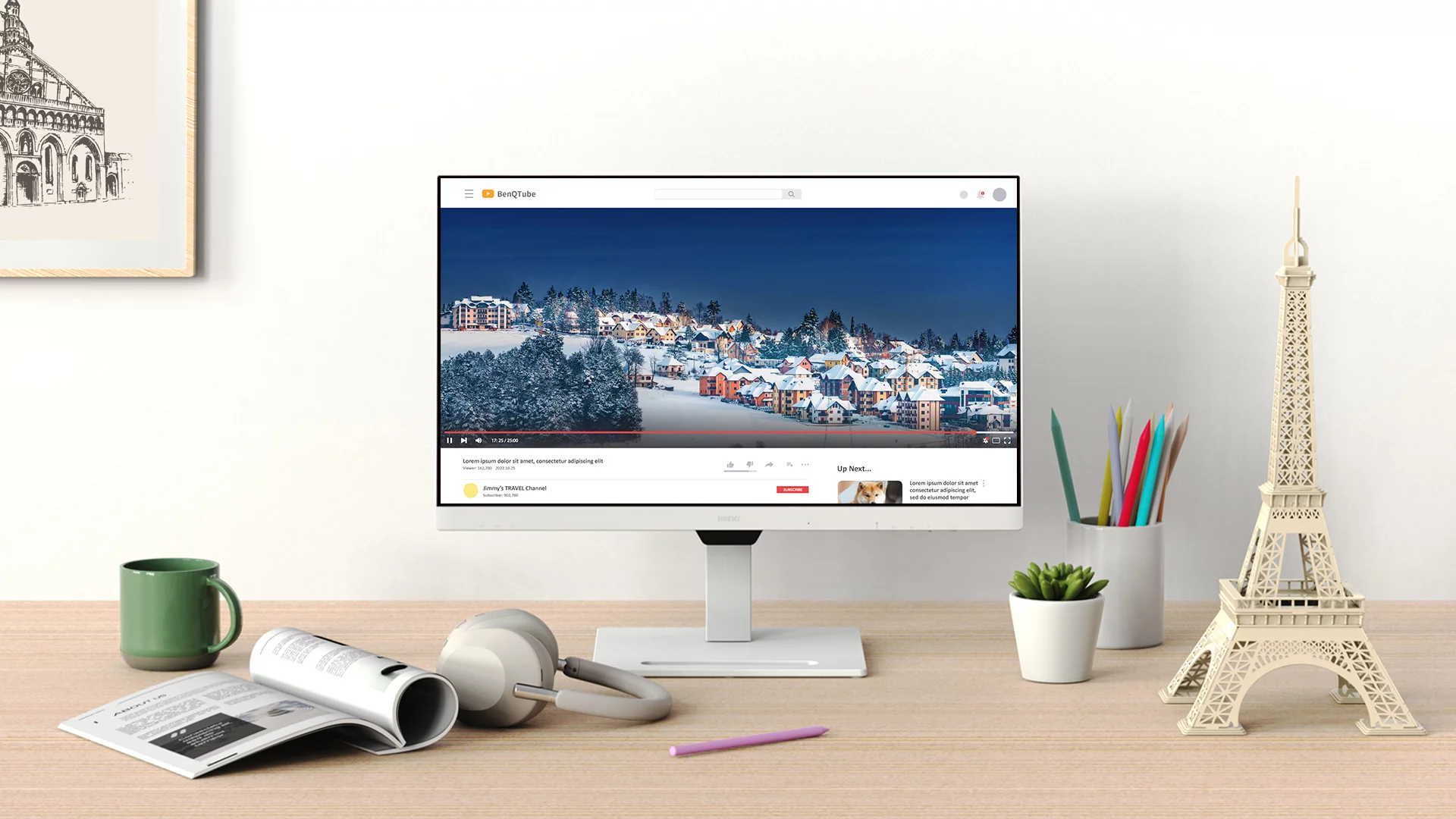
Eye-care language is useful only when paired with stand ergonomics and room lighting. Height range, tilt, glare, and the distance from the chair can make a bigger daily difference than a feature name. Check whether the stand clears the keyboard area and whether the desk allows the screen to sit at a comfortable distance.
The support note should include display settings that the office wants to standardise. If every user changes brightness, scaling, and colour mode randomly, troubleshooting becomes harder. Keep a simple baseline and let specialist users deviate intentionally.
BenQ daisy-chain planning path
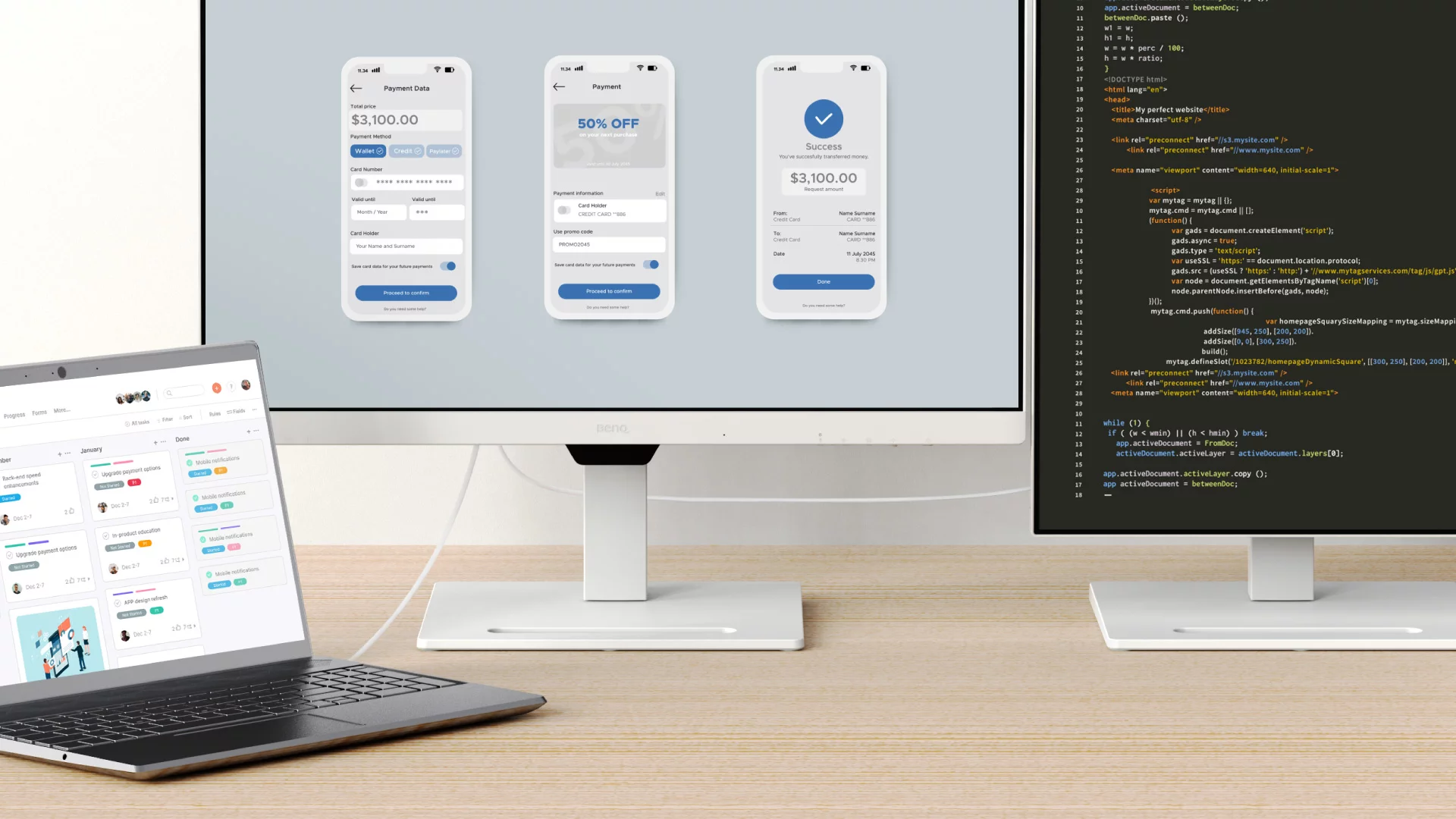
A daisy-chain or hub-style plan can reduce cable clutter, but it also creates a support dependency. Confirm which laptops support the required display mode, whether power delivery is enough, and what happens when a user adds a second screen or a USB peripheral.
Do not buy a USB-C monitor as a dock replacement until the desk has been tested with the actual peripherals: keyboard, mouse, webcam, headset, storage, and network adapter if needed. A clean cable plan is valuable only when it is stable after sleep, restart, and laptop swaps.
Ownership and support signals
Support clarity is not a small detail. Public driver pages, manuals, firmware notes, warranty wording, battery guidance, and replacement accessories determine whether a device remains useful after the original buyer is busy. When a page is polished but support evidence is vague, we lower confidence.
The strongest ownership pattern is simple: name the device owner, save the official support page, record model numbers, and decide what will happen when the device fails during a normal workday. This habit matters for every category on Burgiss Waring because most office electronics are shared by people who did not choose them.
Common mistakes to avoid
The first mistake is buying around a single impressive number. Print speed, camera resolution, port count, VA rating, screen size, or battery runtime can matter, but none of them replaces workflow fit. The second mistake is treating a sale as a decision. A lower price can still be expensive when it brings unclear support, poor accessories, or avoidable downtime.
The third mistake is comparing devices without a handover note. If another employee cannot understand how to connect, maintain, restart, refill, or replace the device, the office has bought a dependency rather than a tool.
Practical buying note
Before ordering, write a one-page ownership note for the device. Include the exact model name, the official support page, required cables or supplies, where receipts are stored, and the person who decides when the device is replaced. This small document prevents a common small-office failure: the team remembers why a device was bought, but not how it should be maintained. It also keeps future comparisons honest, because the next purchase can be judged against a real workflow rather than a memory of the old problem.
Procurement acceptance check
Before standardising on a monitor, verify it with the laptops and docks the team already owns. Confirm USB-C charging wattage, webcam or headset routing, wake-from-sleep behaviour, text clarity at the chosen scaling, and whether the stand reaches a healthy height without extra arms. The owner should write down the cable set, display settings, and support page in the desk handover note. A monitor that looks good in isolation can still create desk friction if one model of laptop cannot wake it reliably.
Monitor acceptance workflow
Set up the monitor on a real desk for one work session. Open the apps that define the job: spreadsheets, browser tabs, CRM, documents, design tools, or video calls. Check scaling, text clarity, glare, webcam placement, and whether USB-C charging stays stable while the laptop is under load.
The procurement note should list the laptop models tested, cable type, power delivery requirement, and default display settings. Include a fallback cable plan. USB-C monitor problems often come from the cable or laptop, not the panel, and a spare known-good cable can save more time than a long troubleshooting thread.
Pause the purchase if the monitor is being asked to solve desk ergonomics, docking, video calls, and cable management all at once without a trial. The right display can simplify a desk, but only after the office knows which problem matters most.
Scoring worksheet for a USB-C monitor
Score laptop compatibility first. Full credit means the office has tested the actual laptop models, charging requirement, cable type, display scaling, sleep/wake behaviour, and peripheral load. Partial credit means the monitor works with one test device but not the whole fleet. No credit means USB-C is assumed to be universal. Many monitor problems are cable or laptop problems, so the acceptance note should name the known-good cable.
Score ergonomics next. A 27-inch QHD display can be a strong office default, but the desk still needs correct height, distance, glare control, and enough room for keyboard and notes. If users enlarge everything or lean forward after an hour, the resolution and size are not fitting the job. The stand and room light are part of the monitor decision.
Score dock replacement claims last. A monitor hub can reduce clutter, but only if keyboard, mouse, headset, webcam, storage, and network needs remain stable after restart and laptop swaps. Refresh the setup when cables are repeatedly changed, users bypass the hub, charging drops under load, or a new laptop generation changes port behaviour. The cleanest desk is the one that still works on Monday morning.
Where to go next
Use this article with the adjacent Burgiss Waring guides: office call audio headsets speakerphones business webcams small meeting rooms small office network stack support index office electronics Keep the support index, the deals desk, the printer shortlist, and the network stack guide open when a purchase touches more than one device category.
For procurement teams, the final check is consistency. Use the same scoring language across every shortlisted device: what job it performs, what support evidence exists, what extra parts are needed, and what happens when it fails. This prevents a monitor, printer, router, UPS, webcam, or headset from being approved for different reasons that cannot be compared later.
Edge cases before approval
Check video-call geometry. A larger monitor can improve document work while making laptop webcams sit too low or too far away. If the desk uses frequent calls, decide whether the monitor needs a separate webcam, a light position, or a laptop stand. Display ergonomics and camera ergonomics should not fight each other.
Also check hot-desk behaviour. A USB-C monitor that works for one assigned laptop may become frustrating when different staff rotate through the desk. Test account permissions, sleep behaviour, display scaling, and peripheral recognition after a laptop swap. If every swap needs troubleshooting, the monitor is acting as an unreliable dock.
Final procurement note
Approve the monitor only when it has been tested as a full desk. The final note should include laptop models, cable type, charging result, display scaling, peripheral behaviour, and any webcam or headset workaround. A USB-C monitor that is not stable as a desk hub should be bought as a display, not sold internally as a dock replacement.
For refresh planning, watch cable churn. If users keep swapping cables, bypassing the hub, or changing scaling to cope with discomfort, the monitor setup needs review. The cleanest desk is the one people stop adjusting.
One final check belongs in every monitor rollout: ask a user to disconnect for lunch, reconnect, and resume the same desk setup. If charging, display arrangement, keyboard, mouse, and call audio return without manual repair, the desk is ready. If not, document the failure before buying more of the same monitor.
FAQ
Is QHD enough for office work in 2026?
For many office desks, yes. QHD on a 27-inch monitor gives useful space without the scaling and cost questions of 4K. Choose 4K when your applications or visual work benefit from it, but do not ignore ports and ergonomics.
How often should a small office refresh shared electronics?
Refresh timing should follow support risk, not a fixed calendar. Replace earlier when drivers, batteries, consumables, or firmware support become unreliable. If a device still has clear support documentation, available accessories, and no recurring workflow problems, it can remain in service longer.
Should we buy the cheapest option if the specifications match?
Not automatically. Similar specifications can hide different support paths, setup effort, consumable costs, and downtime risk. A slightly more expensive device is often the better value when it is easier to maintain and easier for non-specialists to use.
Do affiliate links affect Burgiss Waring rankings?
No. Commercial availability is separate from editorial scoring. We may earn commissions from some outbound links, but rankings are based on workflow fit, support clarity, ownership cost, and documented buyer risk.